Modeling & Materials
Weekly Design Challenge! STAY CREATIVE!!!
Nina-Simone Williams
Module 1
STUFF, Photography & Initial thoughts.
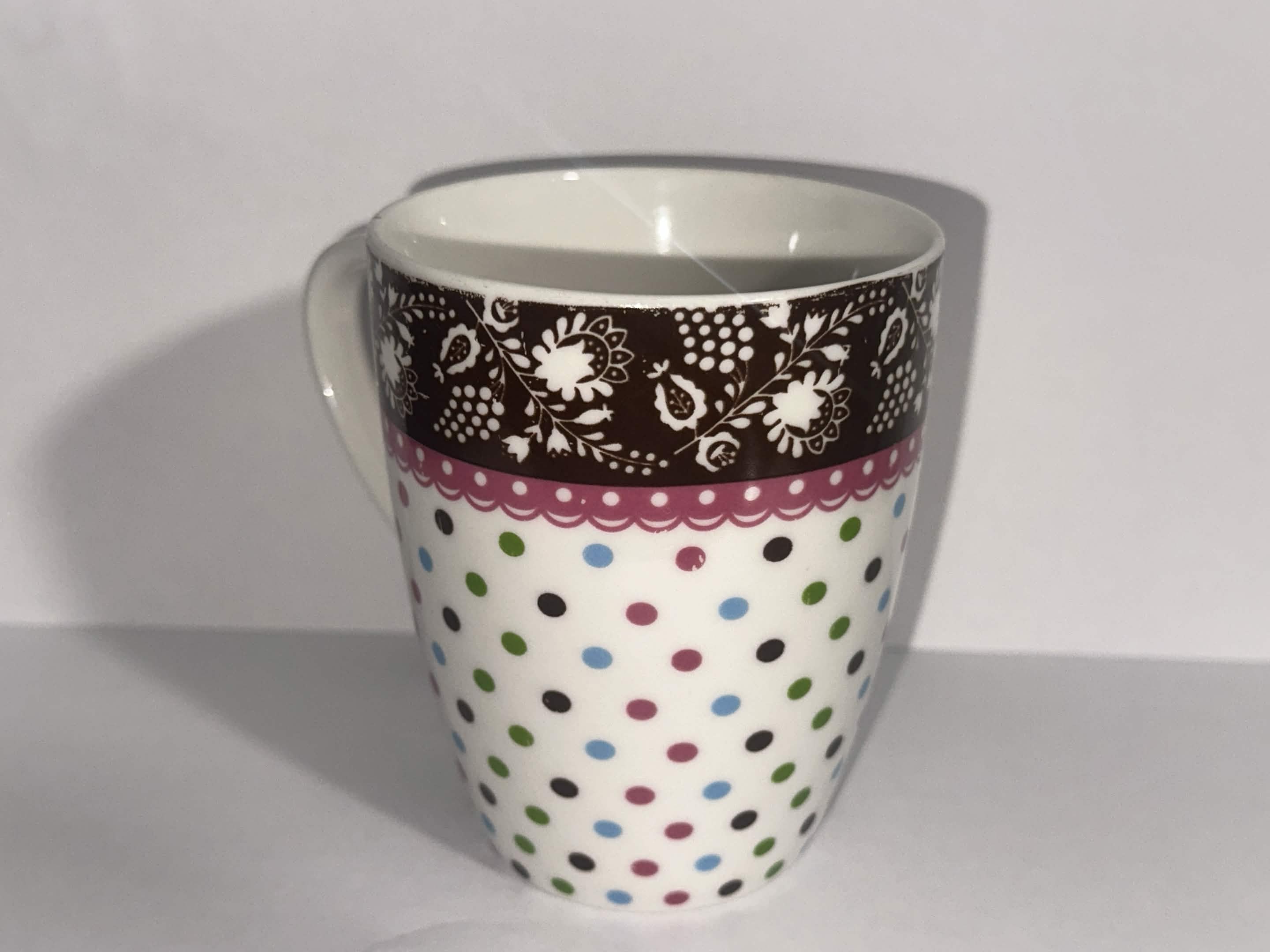
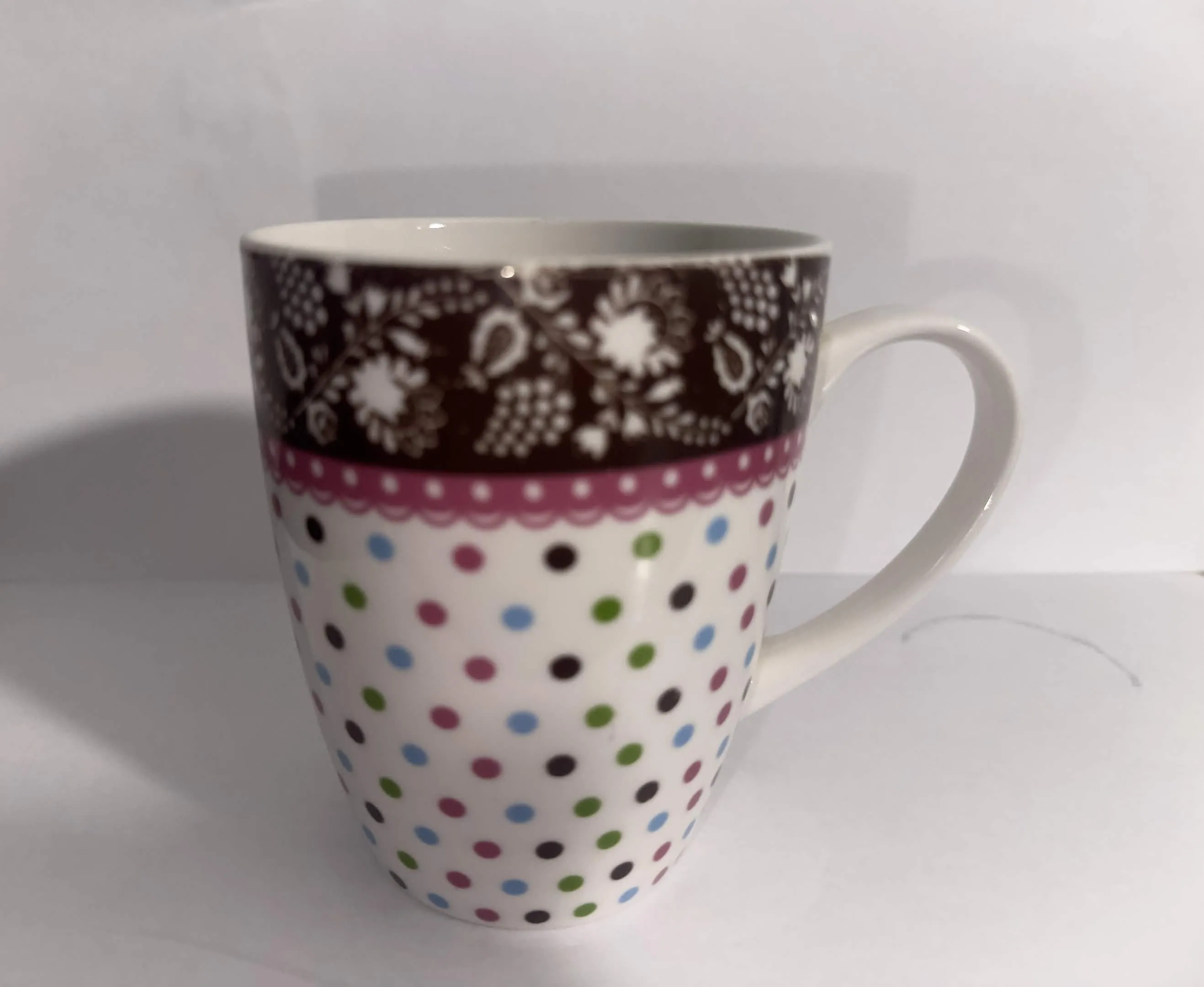
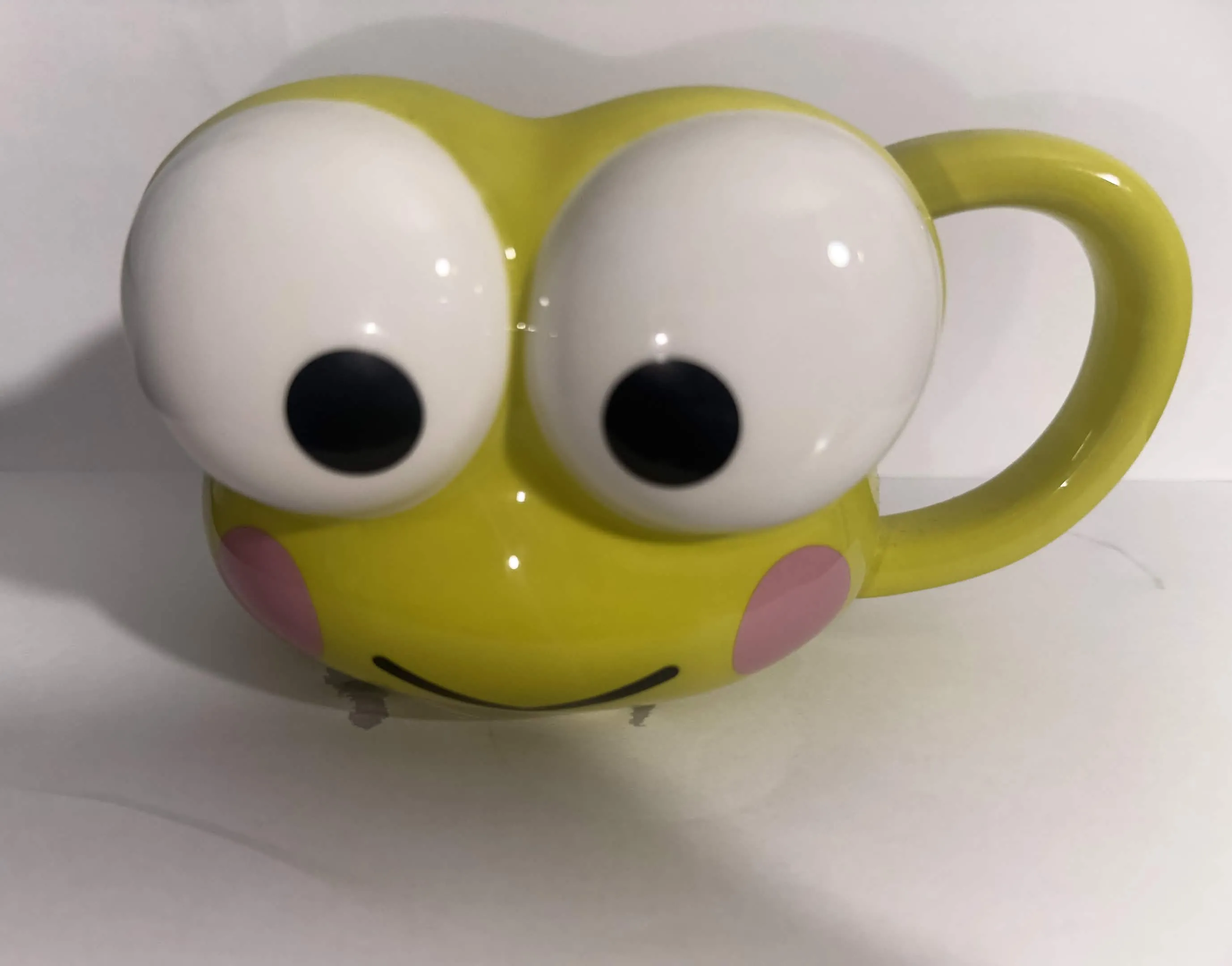
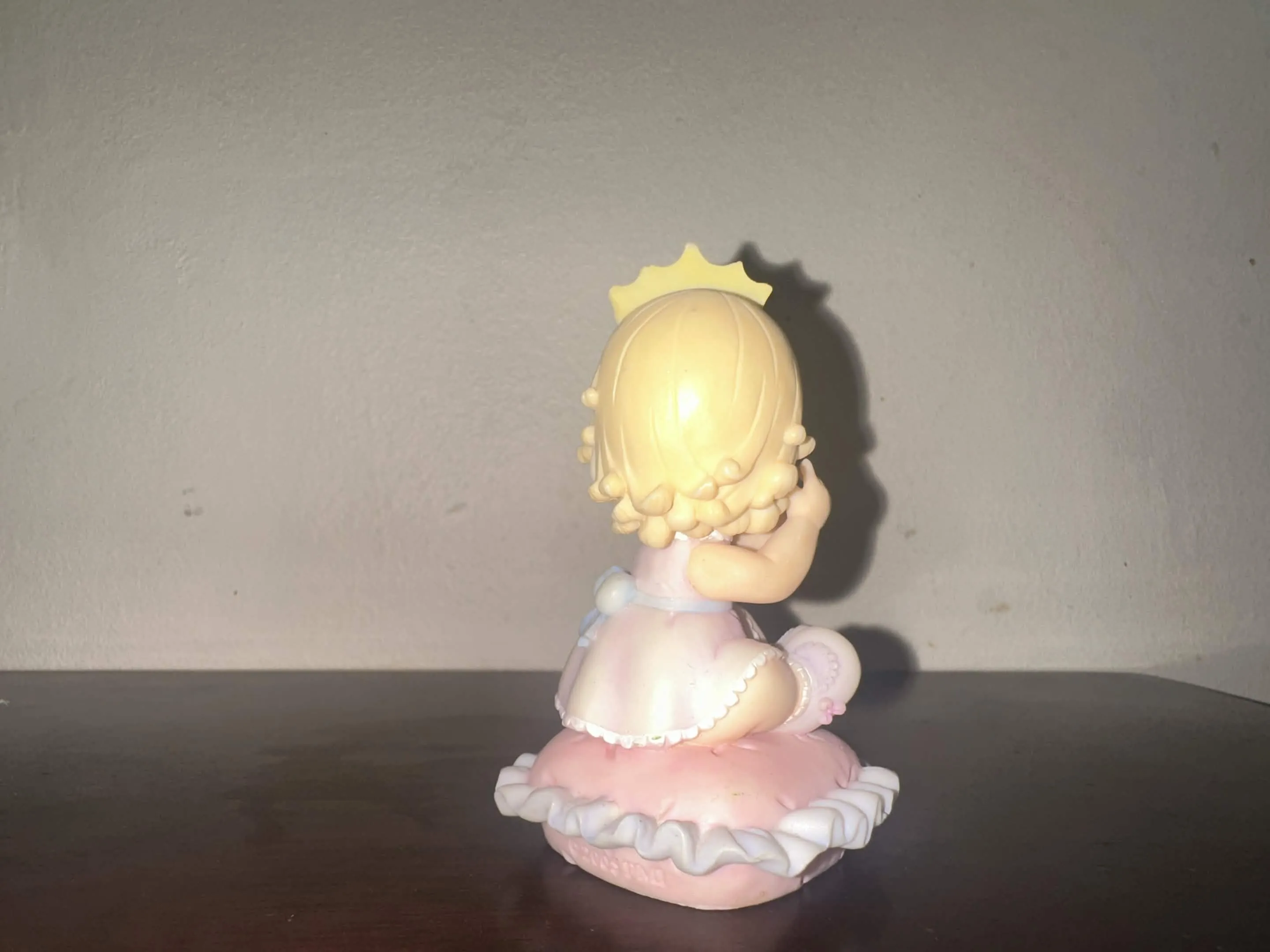
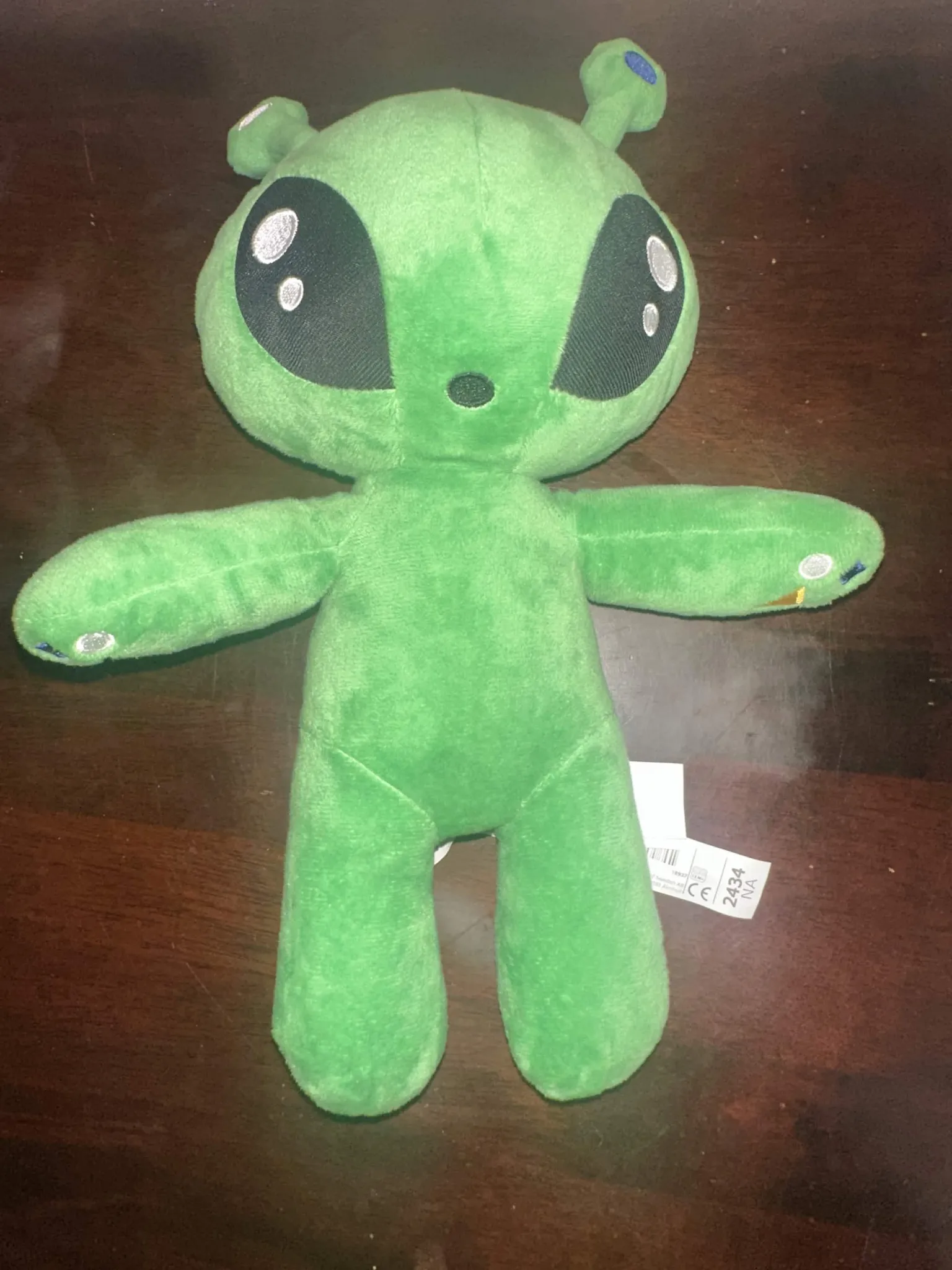
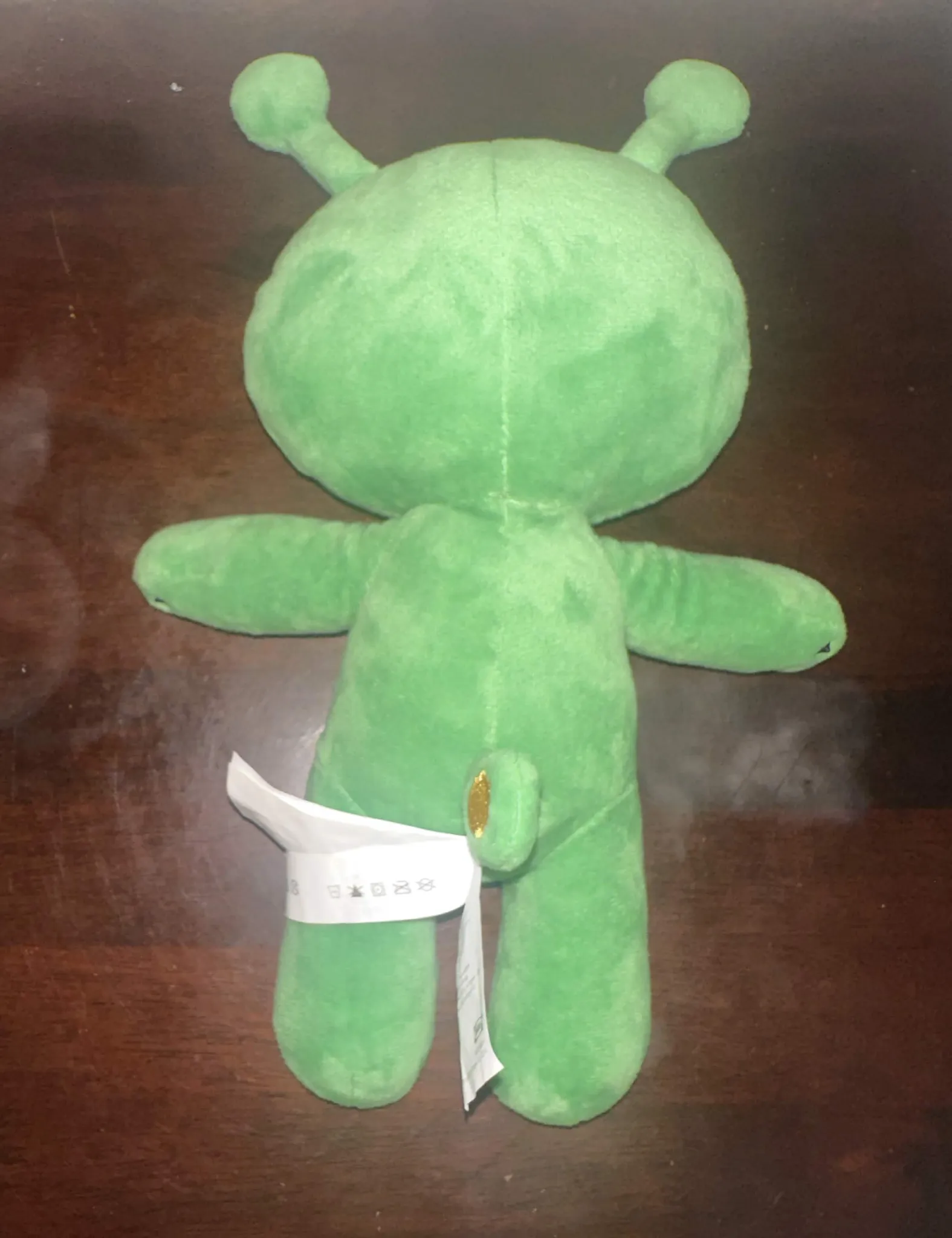
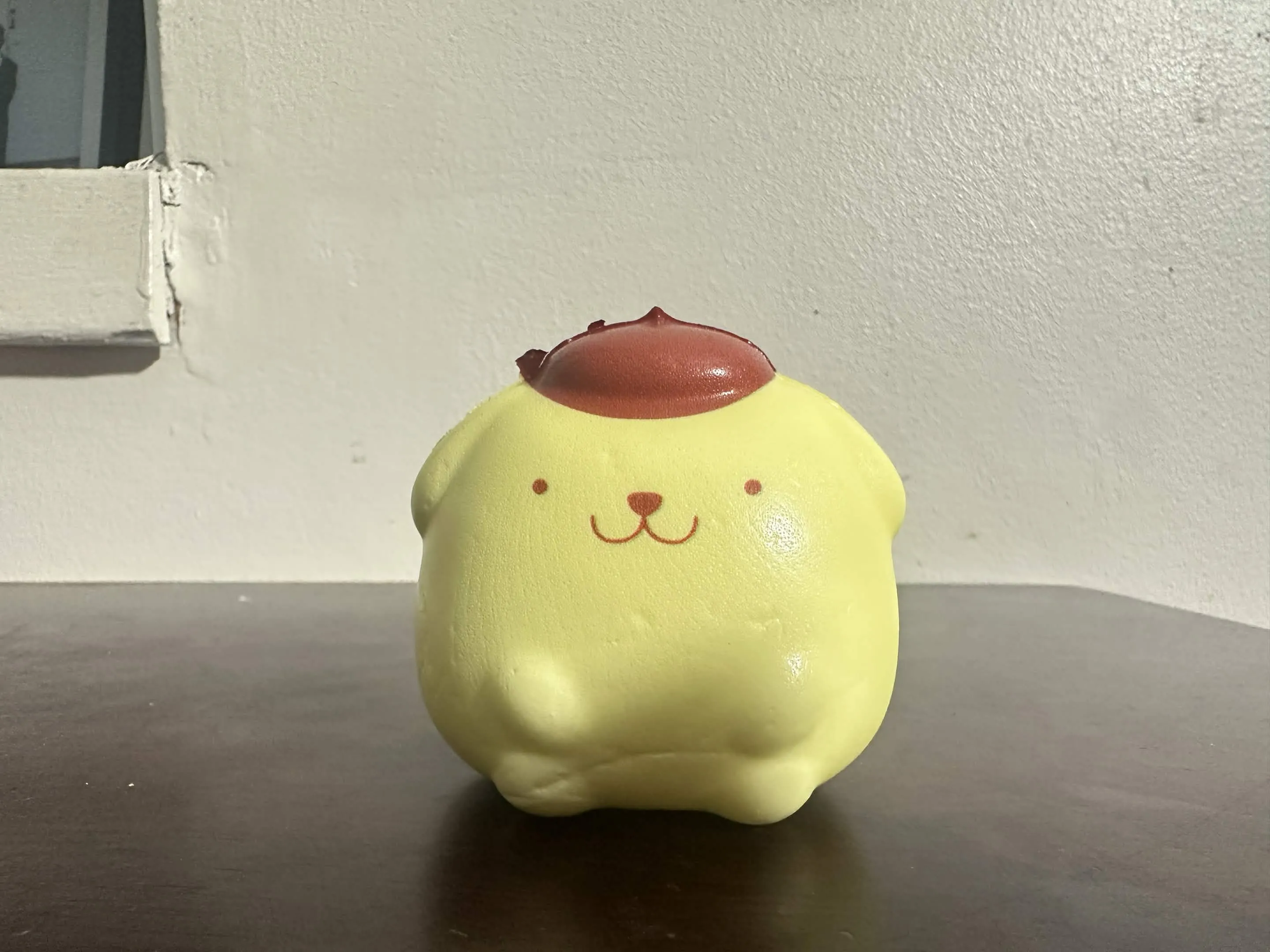
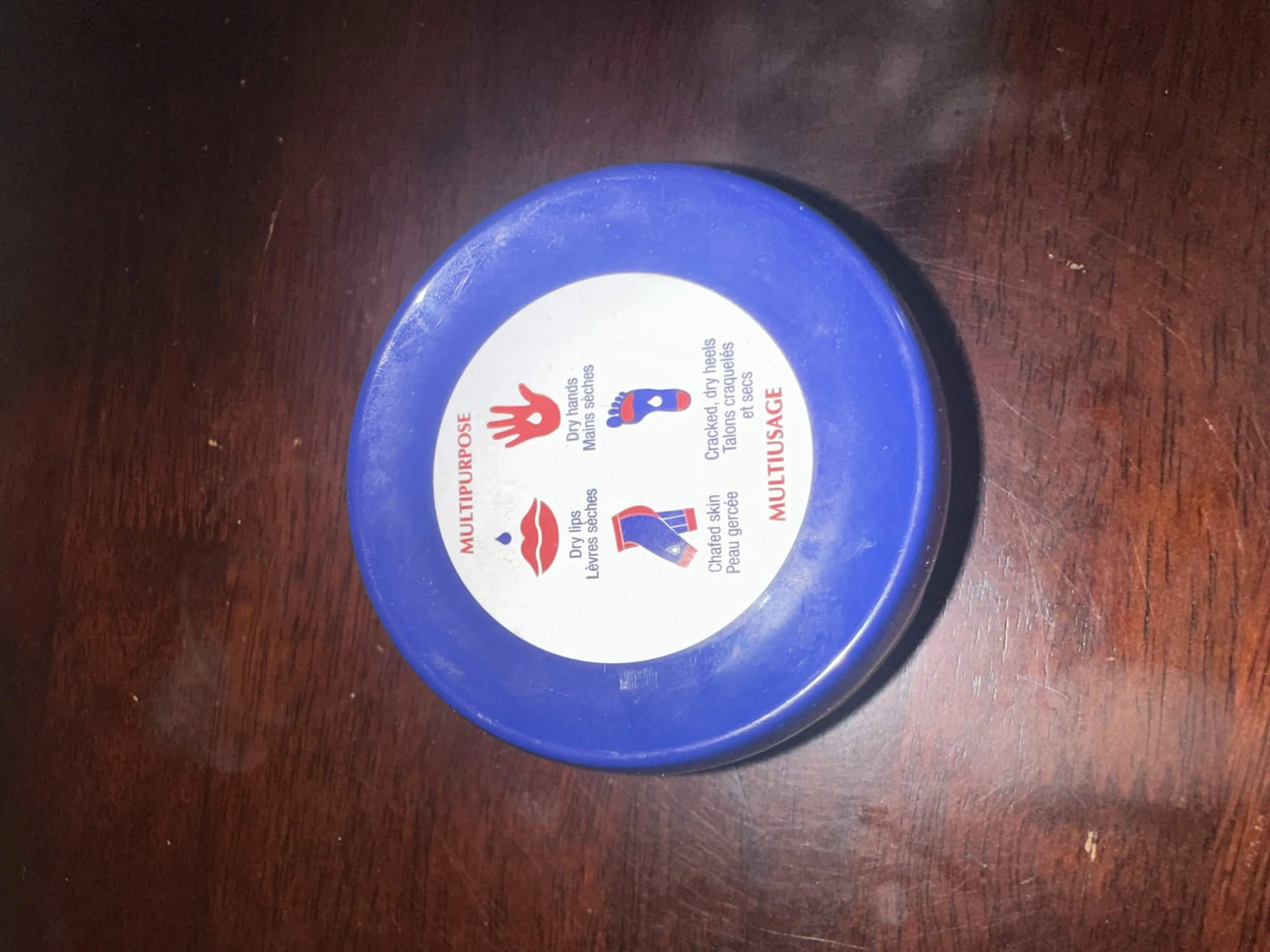
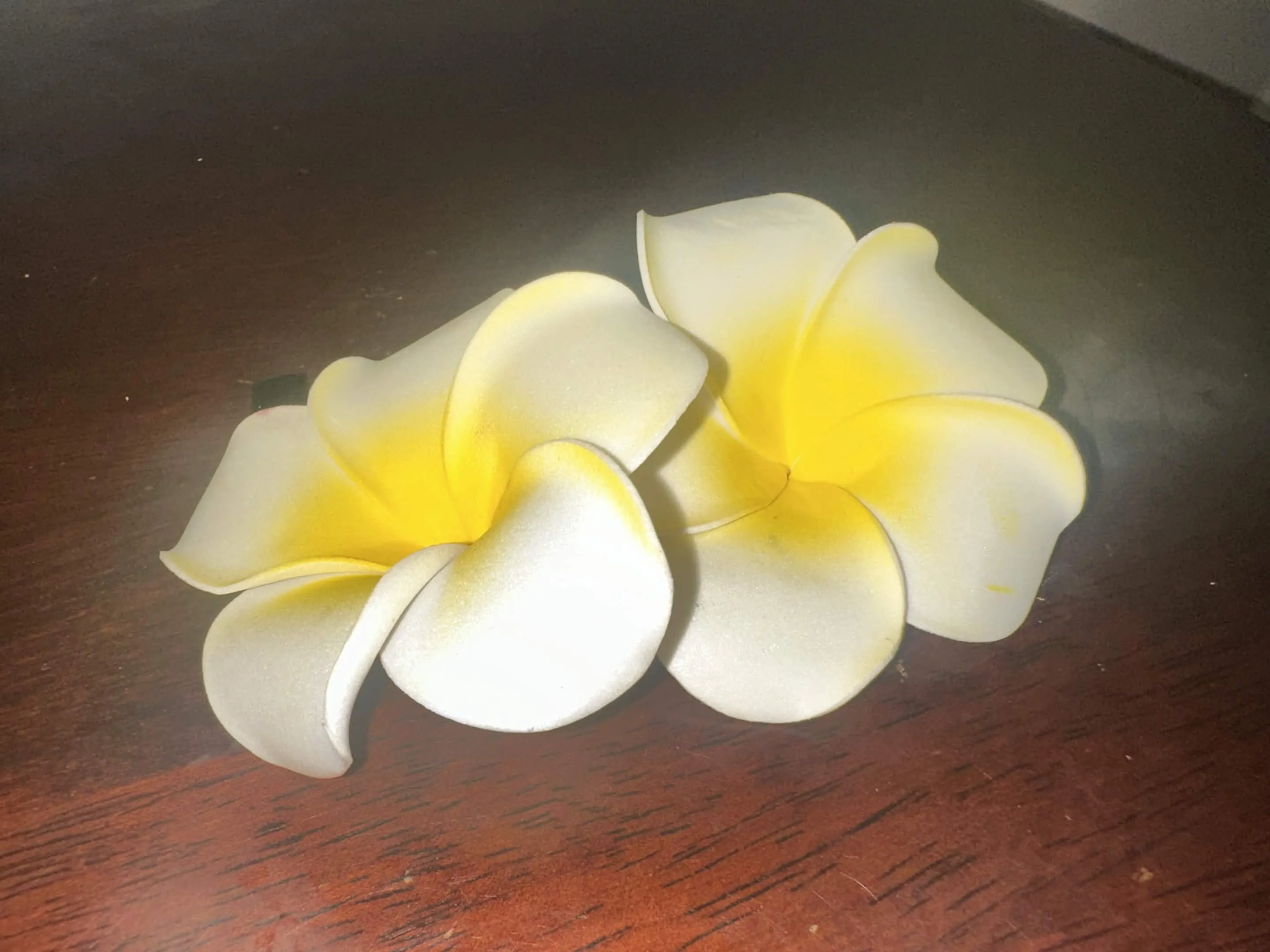
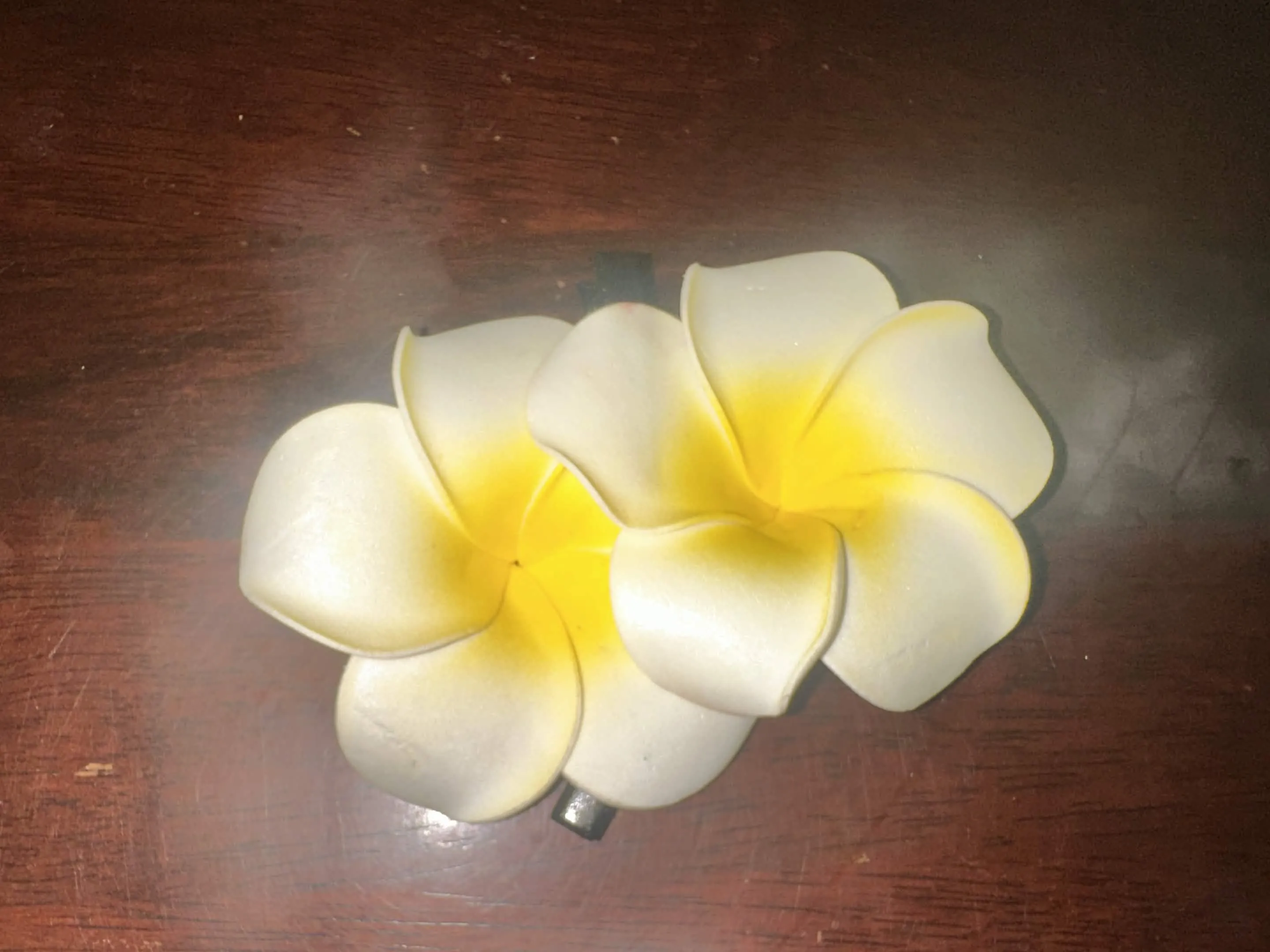
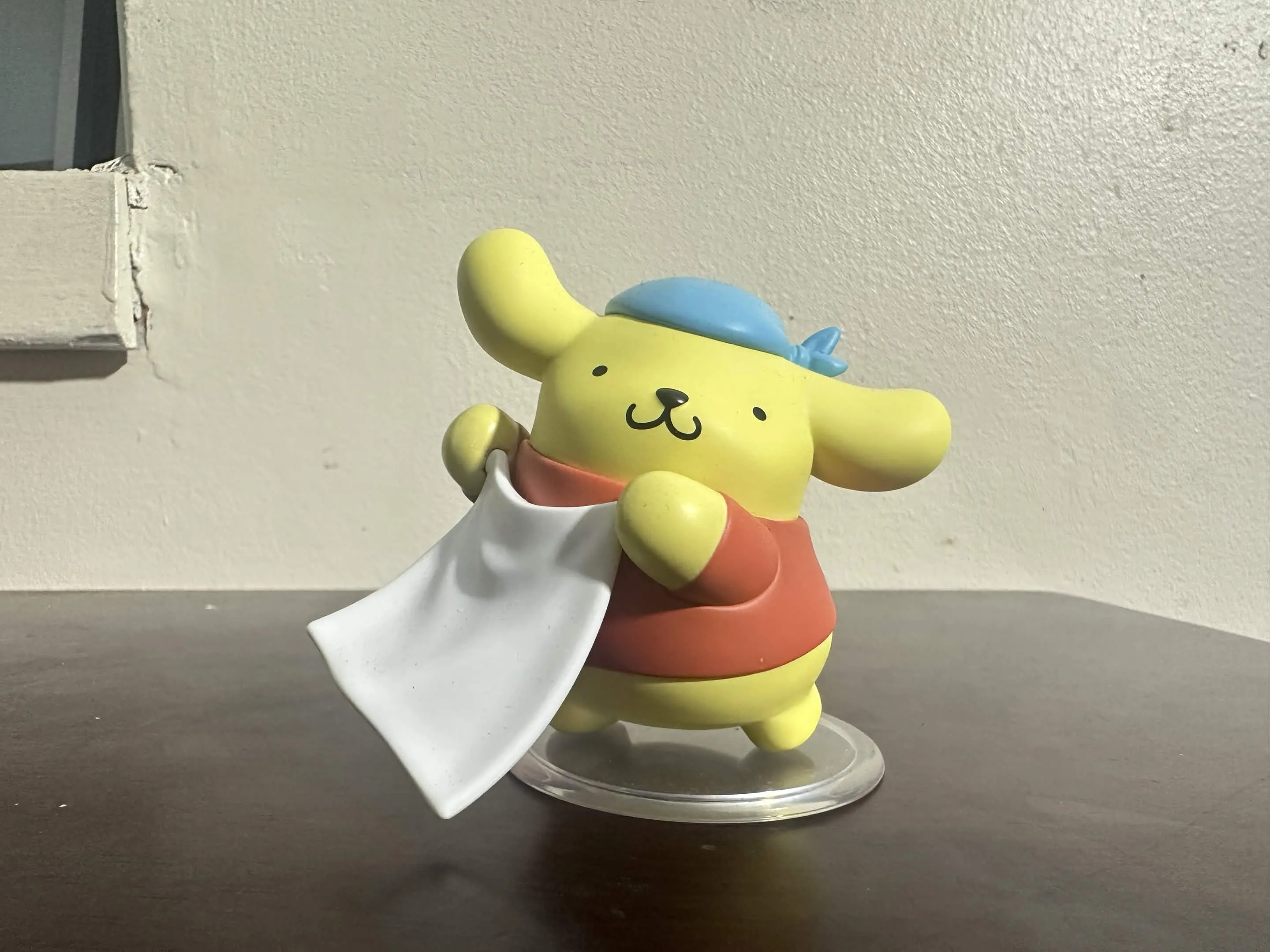
With stepping back of over anylazing, I began to approach things in an interesting way. How so? When we were given the opportunity to chose object within our house hold thought.. "What is reminiscent or relevant to me?" Most of the objects chosen are related to th conception of youth and also change. My images selected are of a childish decorum, with some being random than not. For the first design challenge I stuck to the basic level and I attempted to make some objects
Let’s talk about Cinema 4D (sort of)
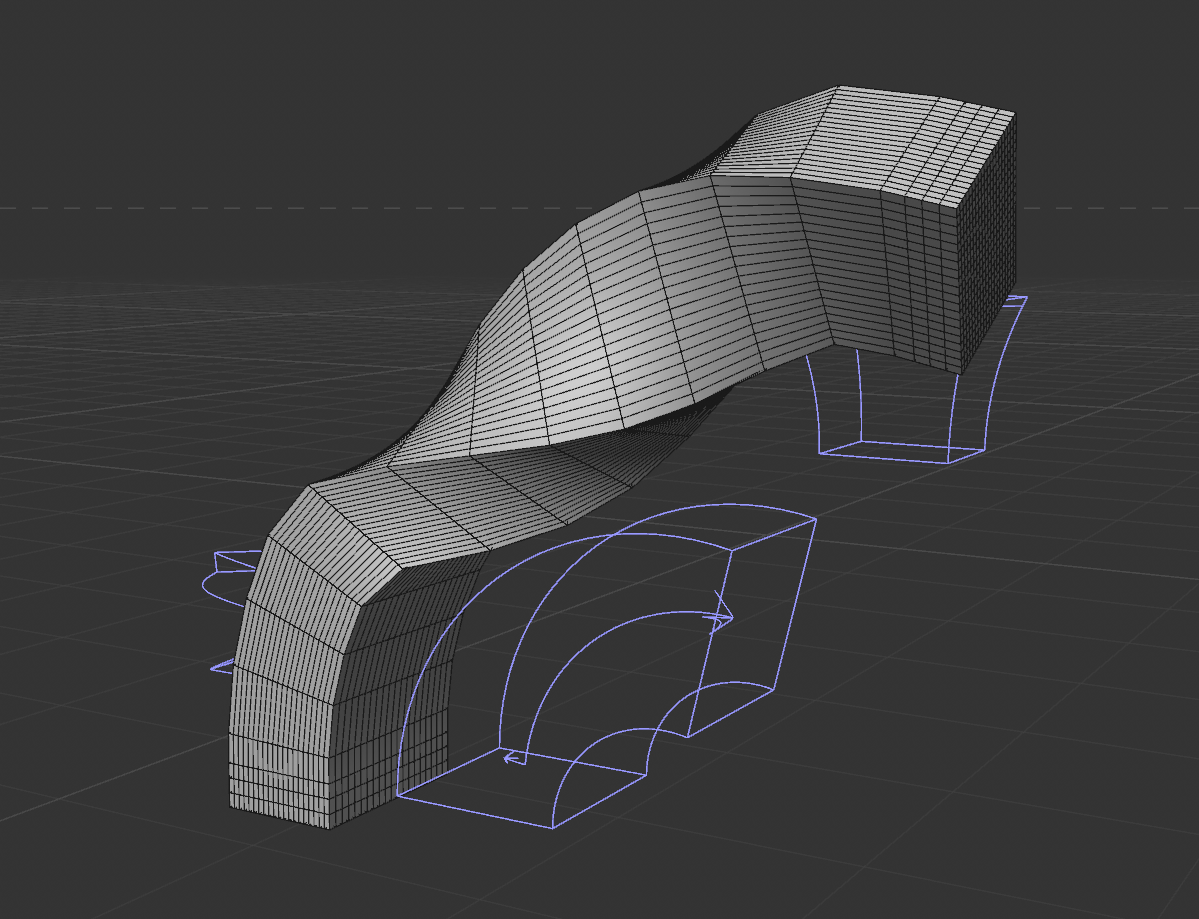
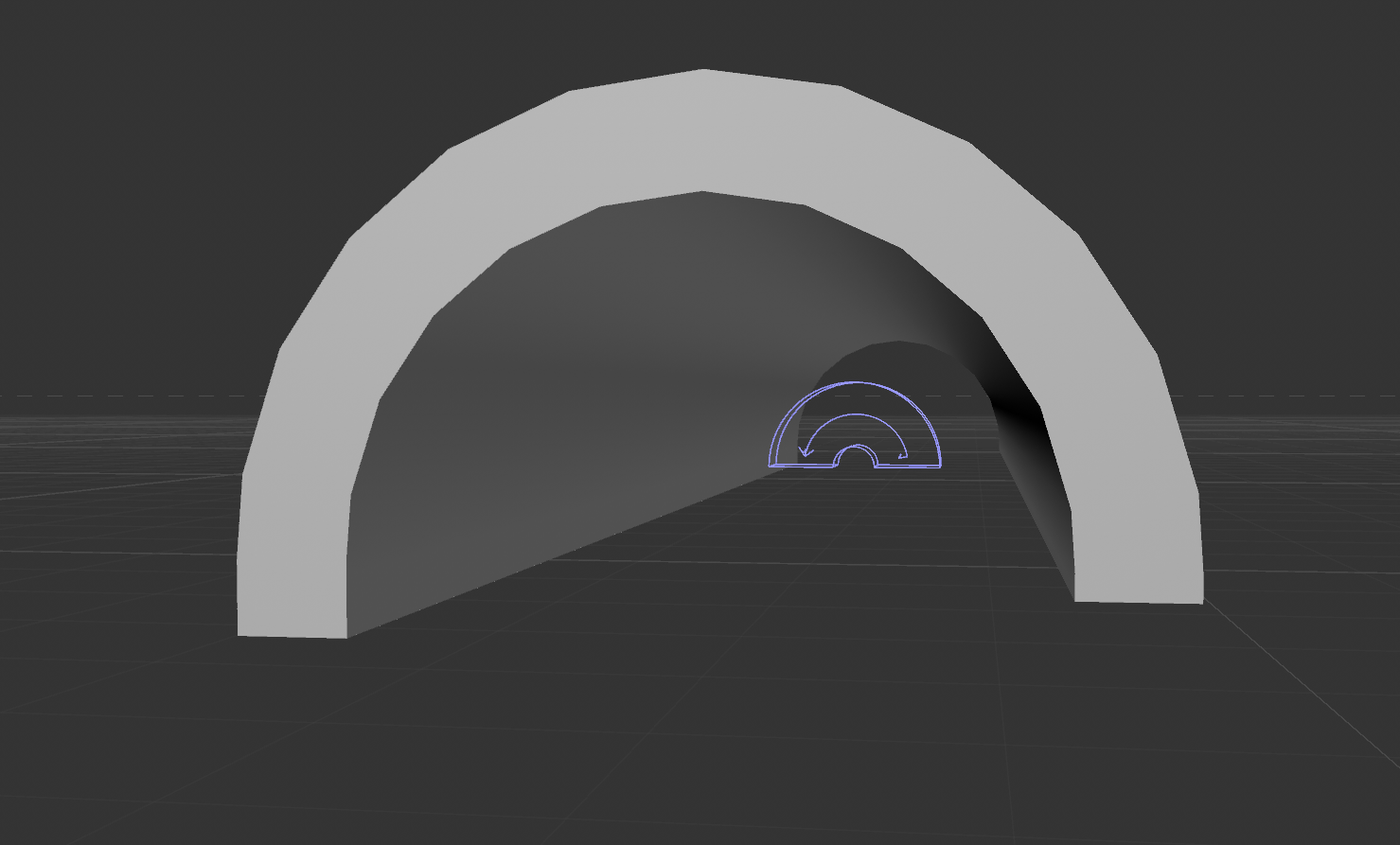
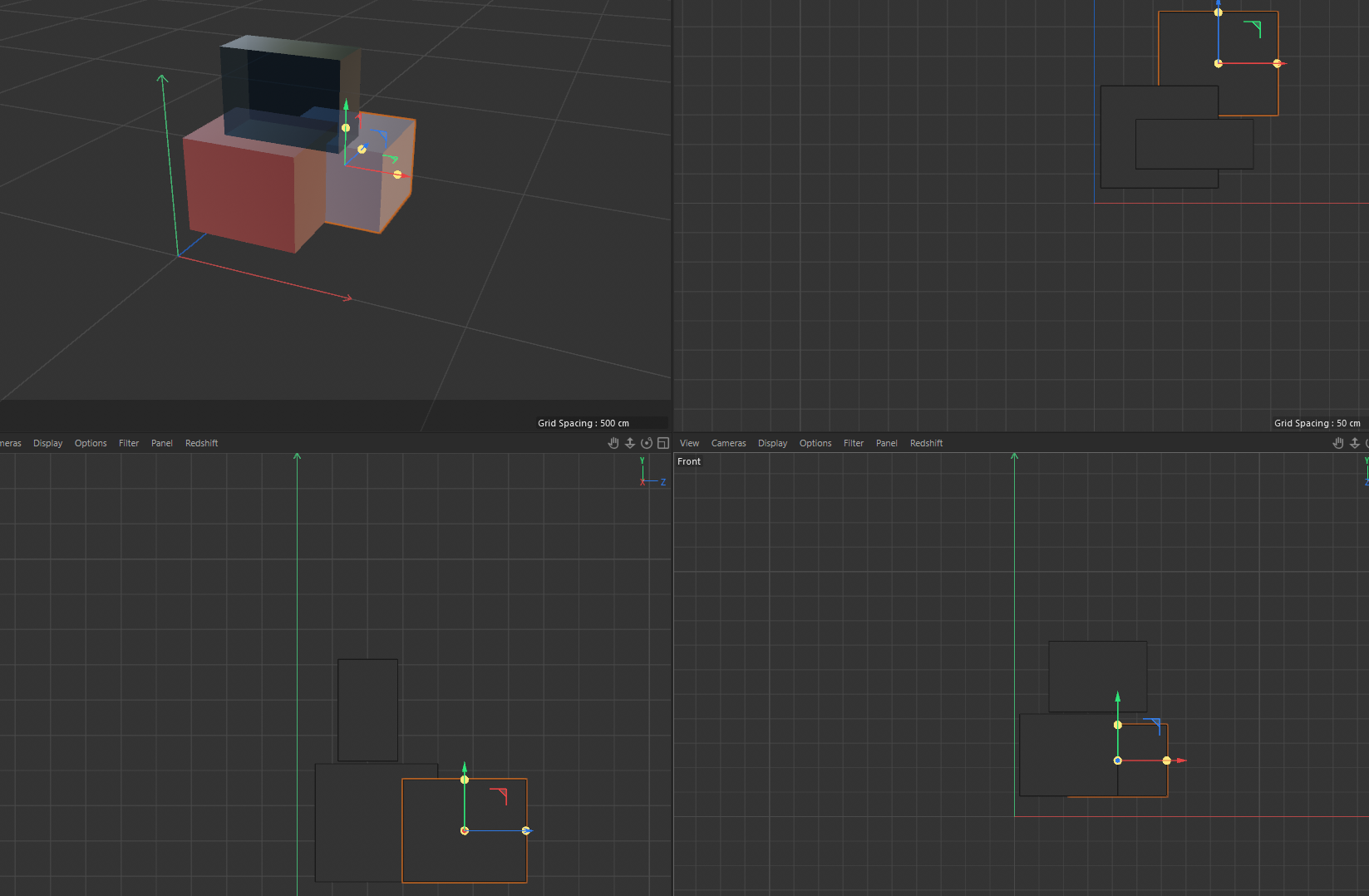
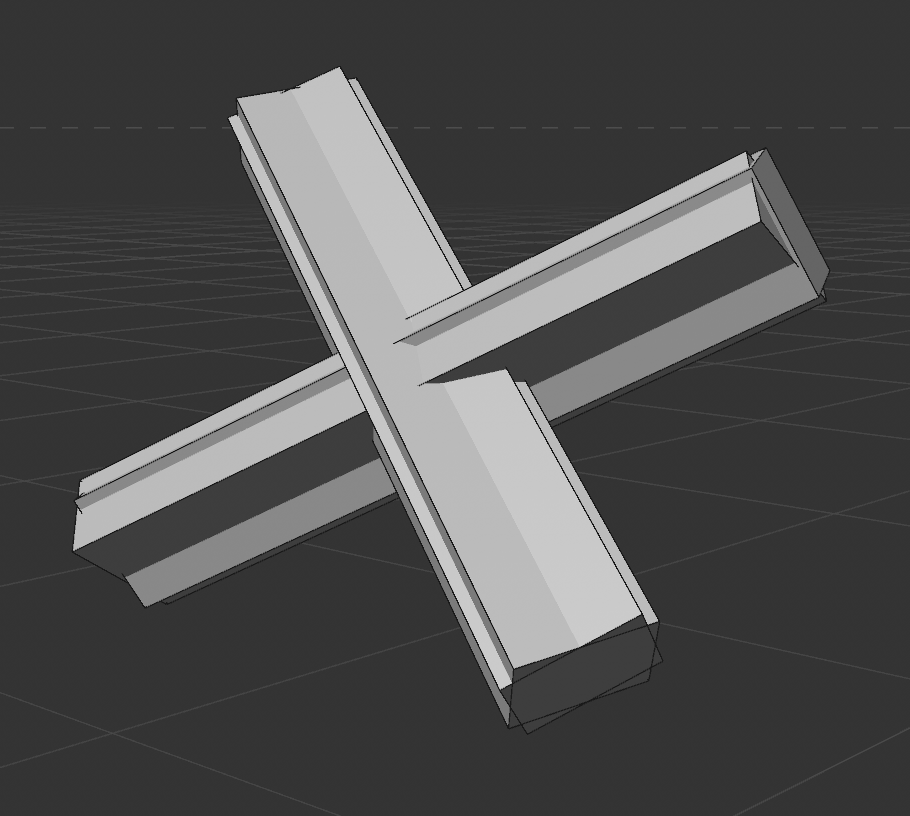
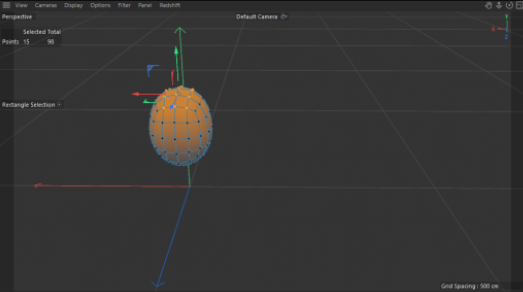
Cinema 4d, as well as Blender, was a bit of a surprise but in the same essence wasn’t a scare. When I was little I actually used to play around in spaces similar to this! And you couldn’t guess what it was.. (are you ready for it..) Roblox Studio. Now I am not by any means comparing Roblox Studio to the massive potential as both applications but it definitely a simplification to the structure. I was having some complications with Cinema 4d, where it said I couldn’t have the trial on my PC for whatever the reason but we prevail! I would say Cinema 4d’s UI and shortcut are relatively easier to memorize as opposed to Blender. I want to dabble in both for this course, by using blender for one module, Cinema 4d for the other and the final project being up to my choice based on my finger expertise. There are some questions of the deformer systems. When playing with taper, bend and twist based on the second module, I was confused as how they opperated!
Design Challenge 1
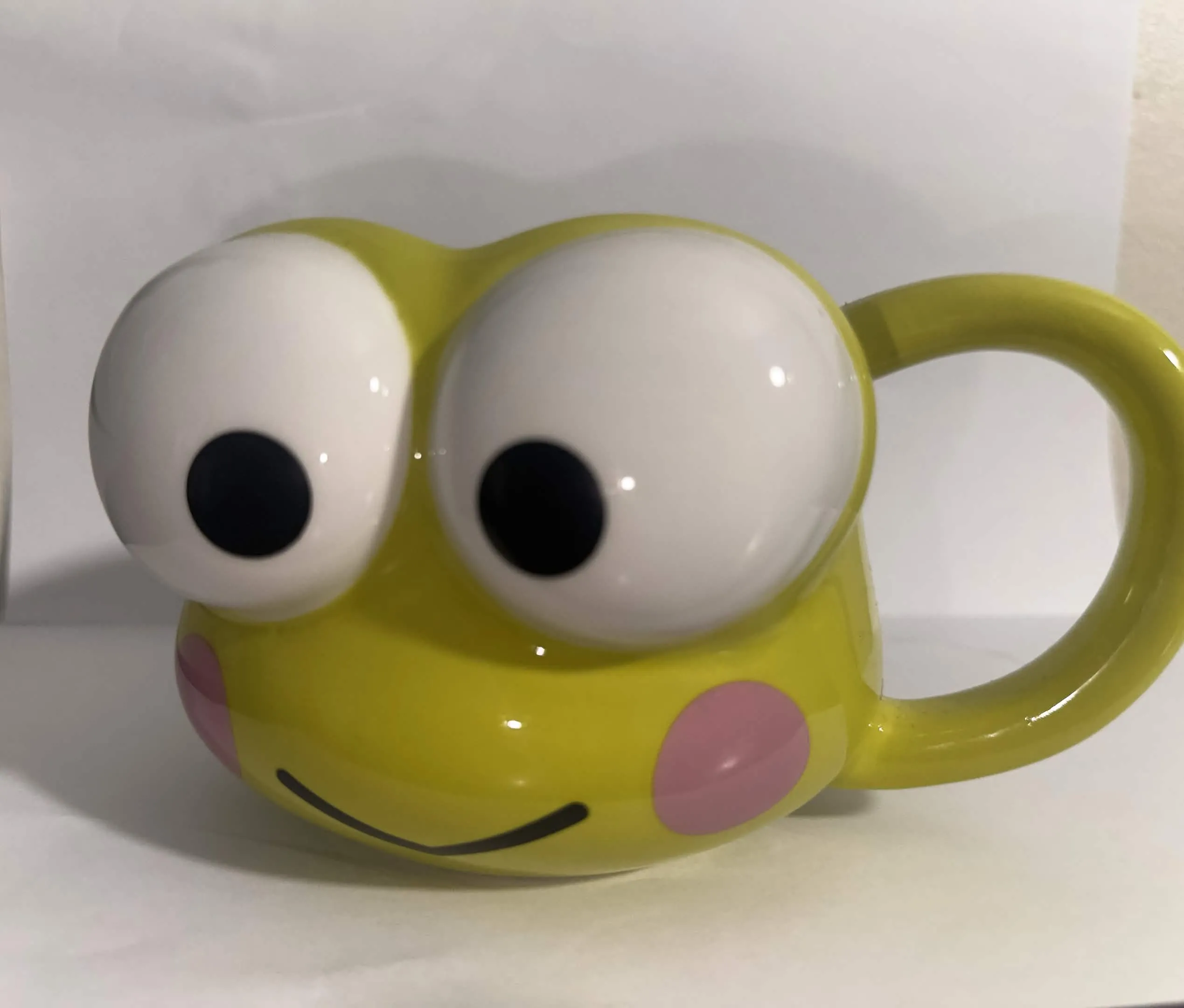
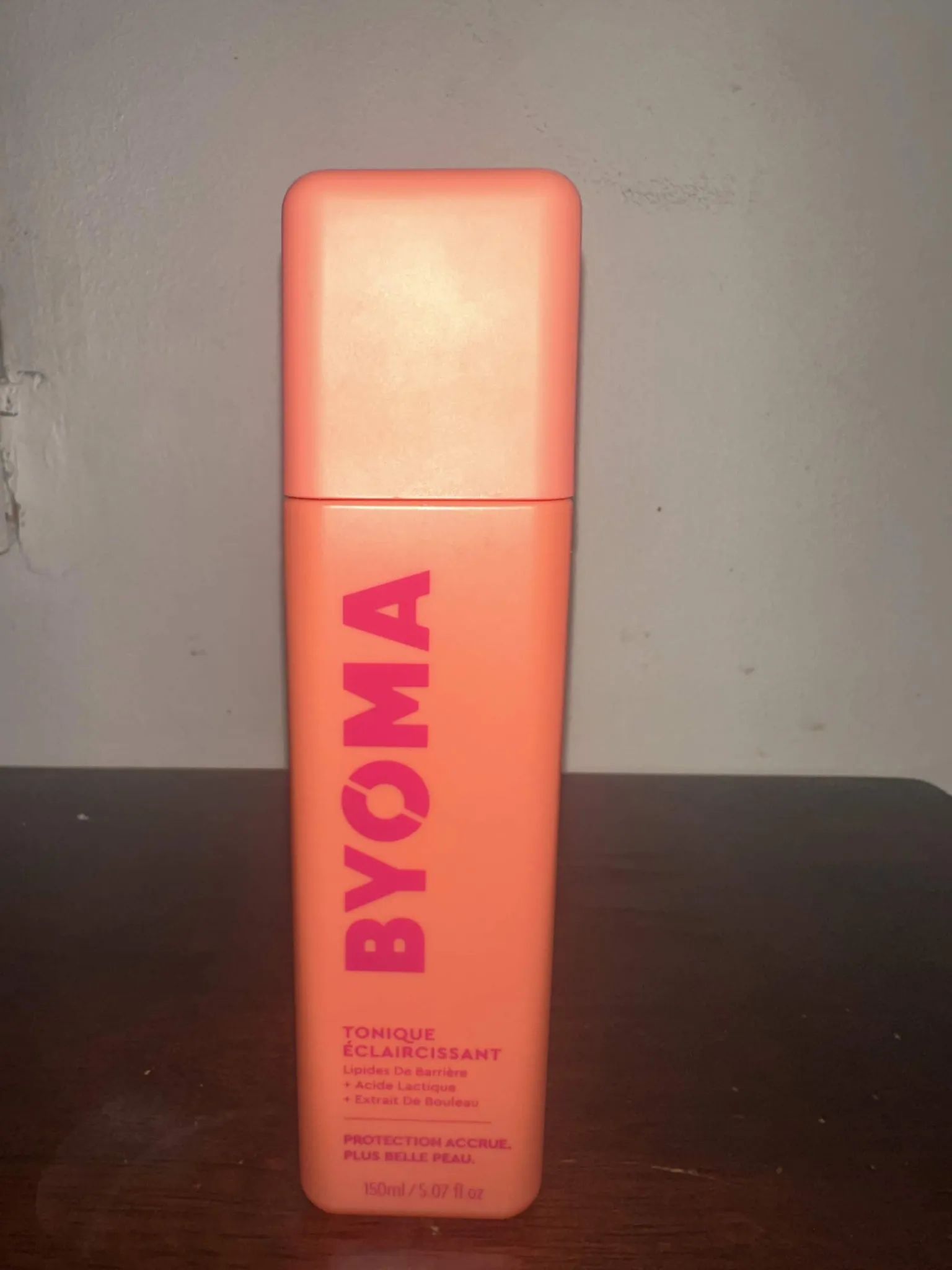
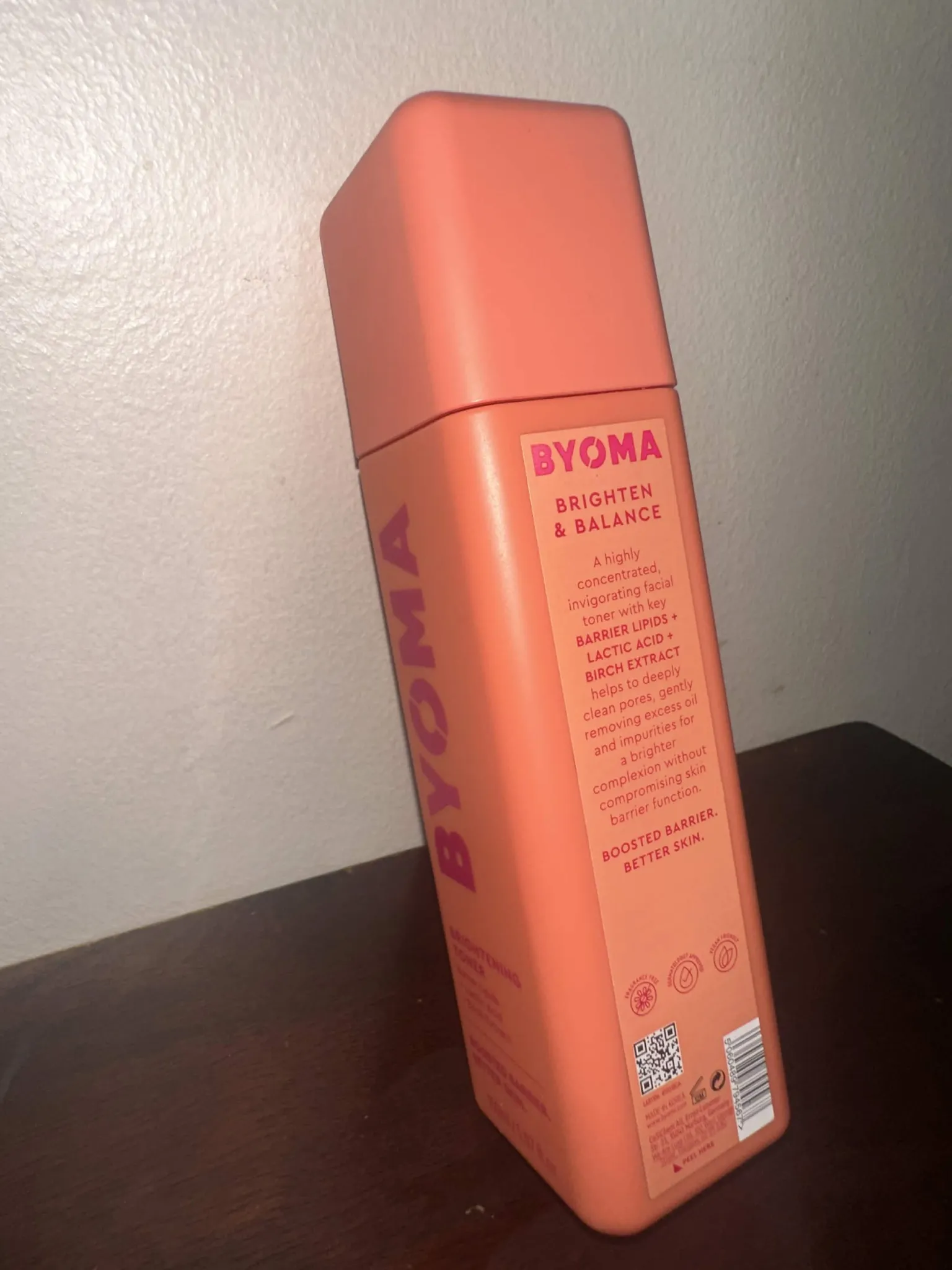
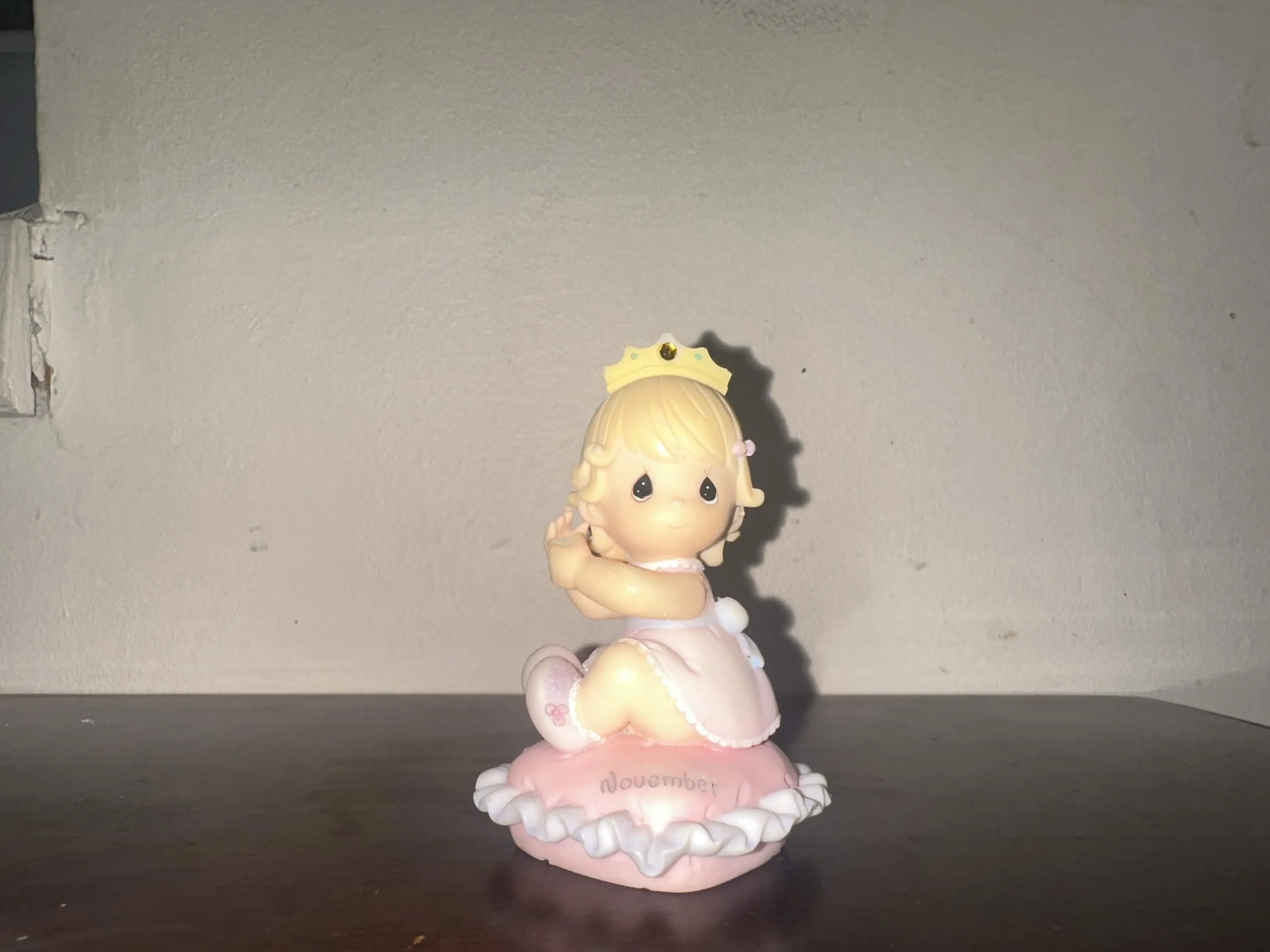
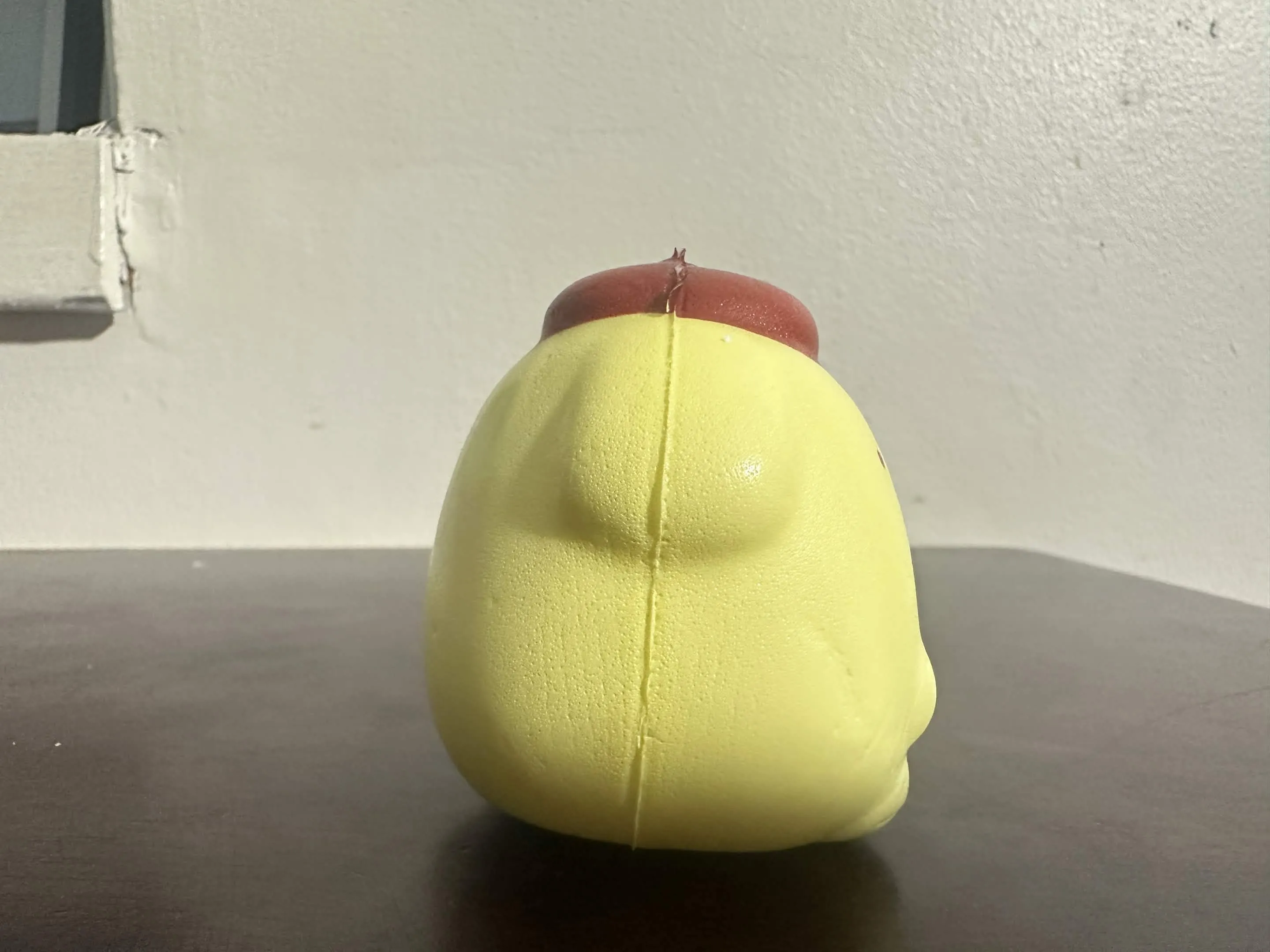
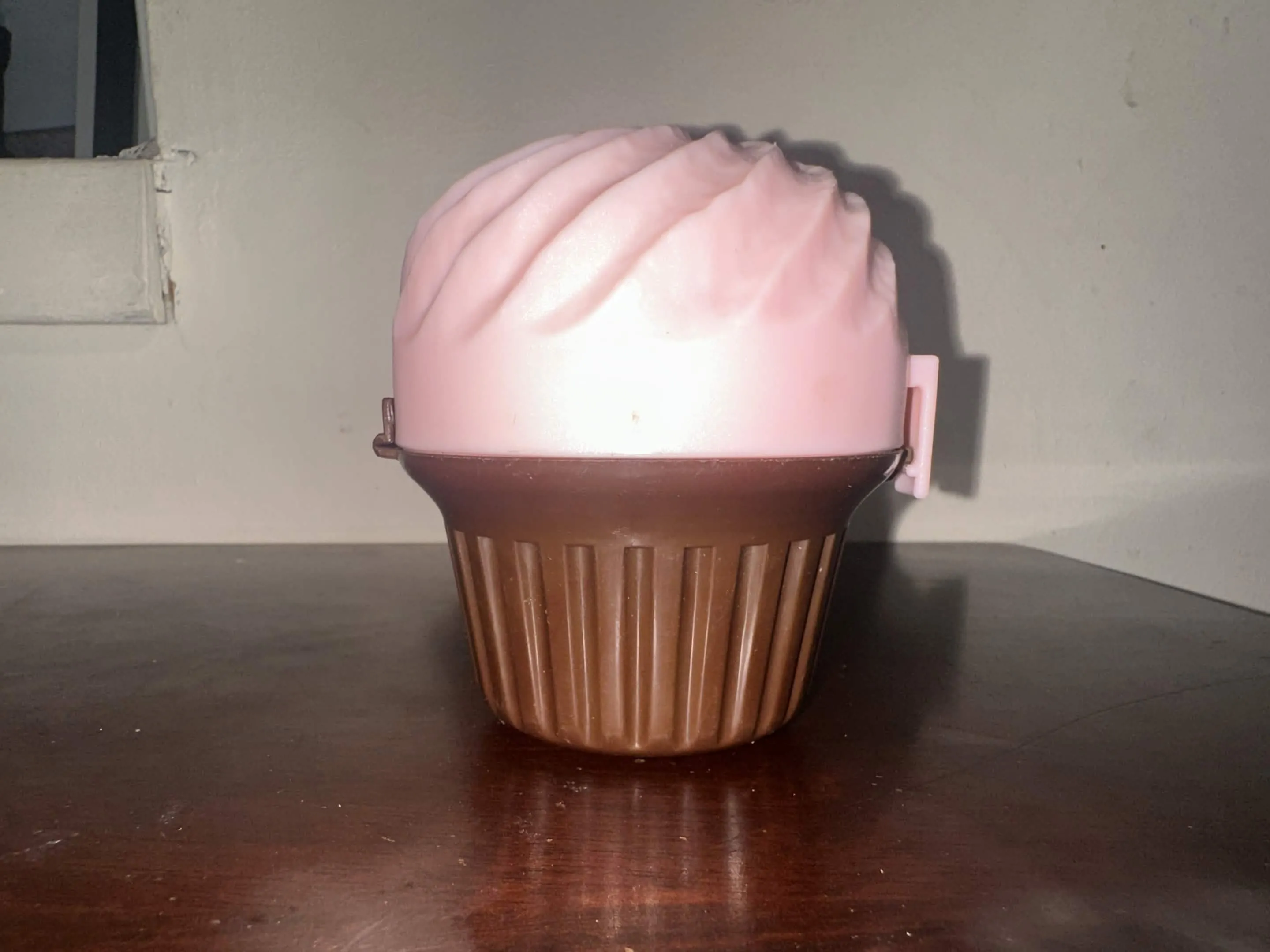
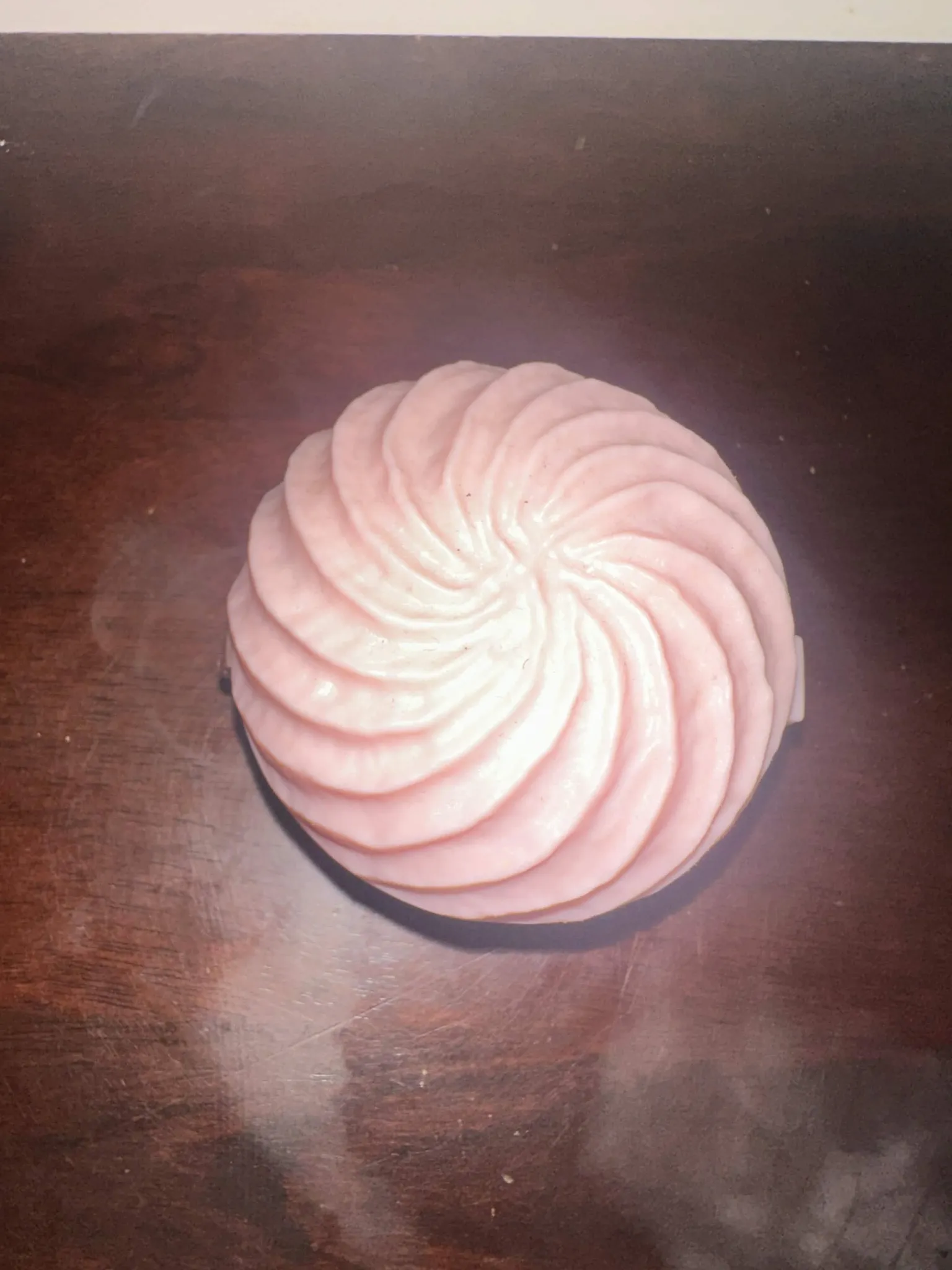
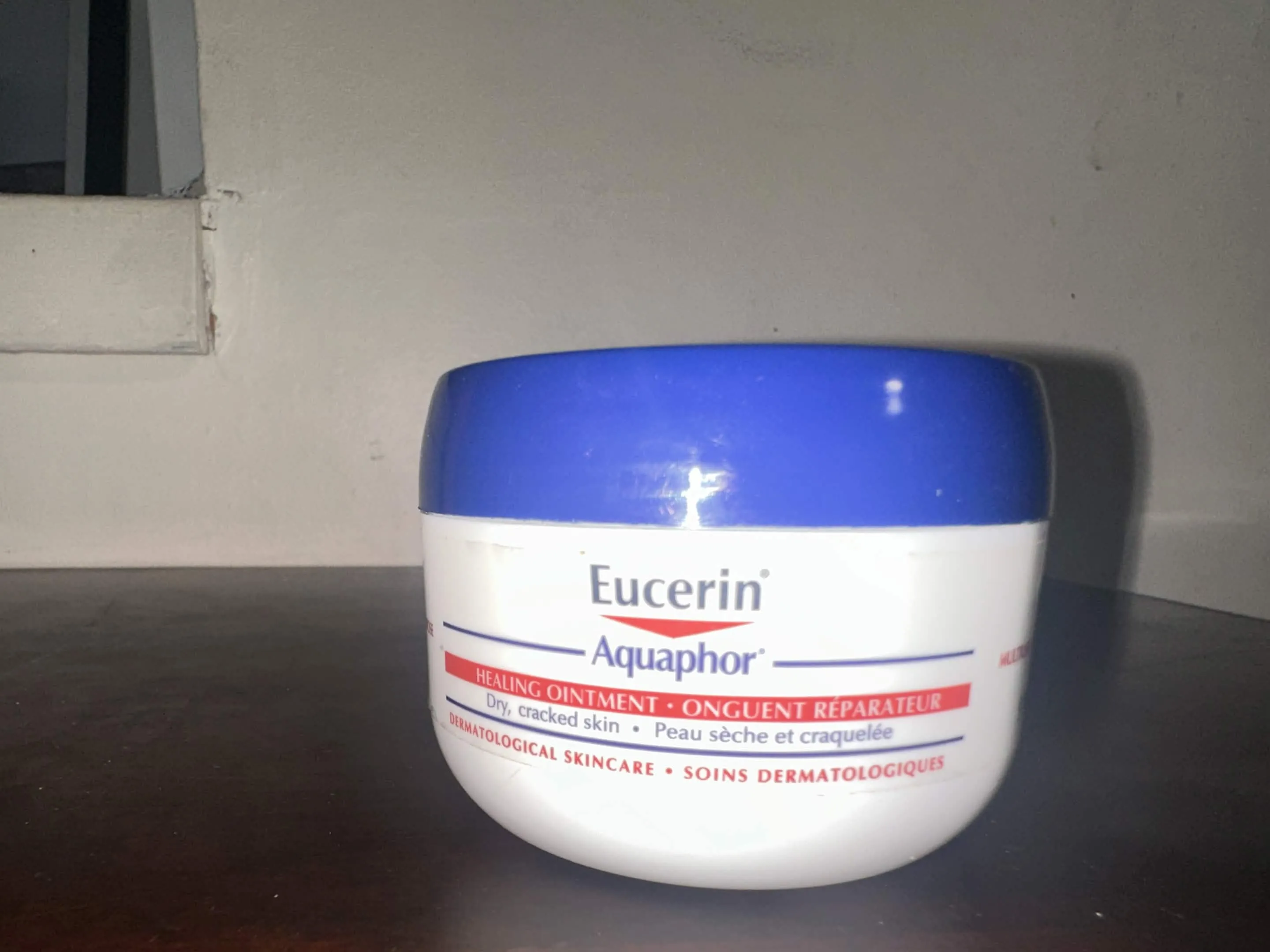
Design Challenge 2
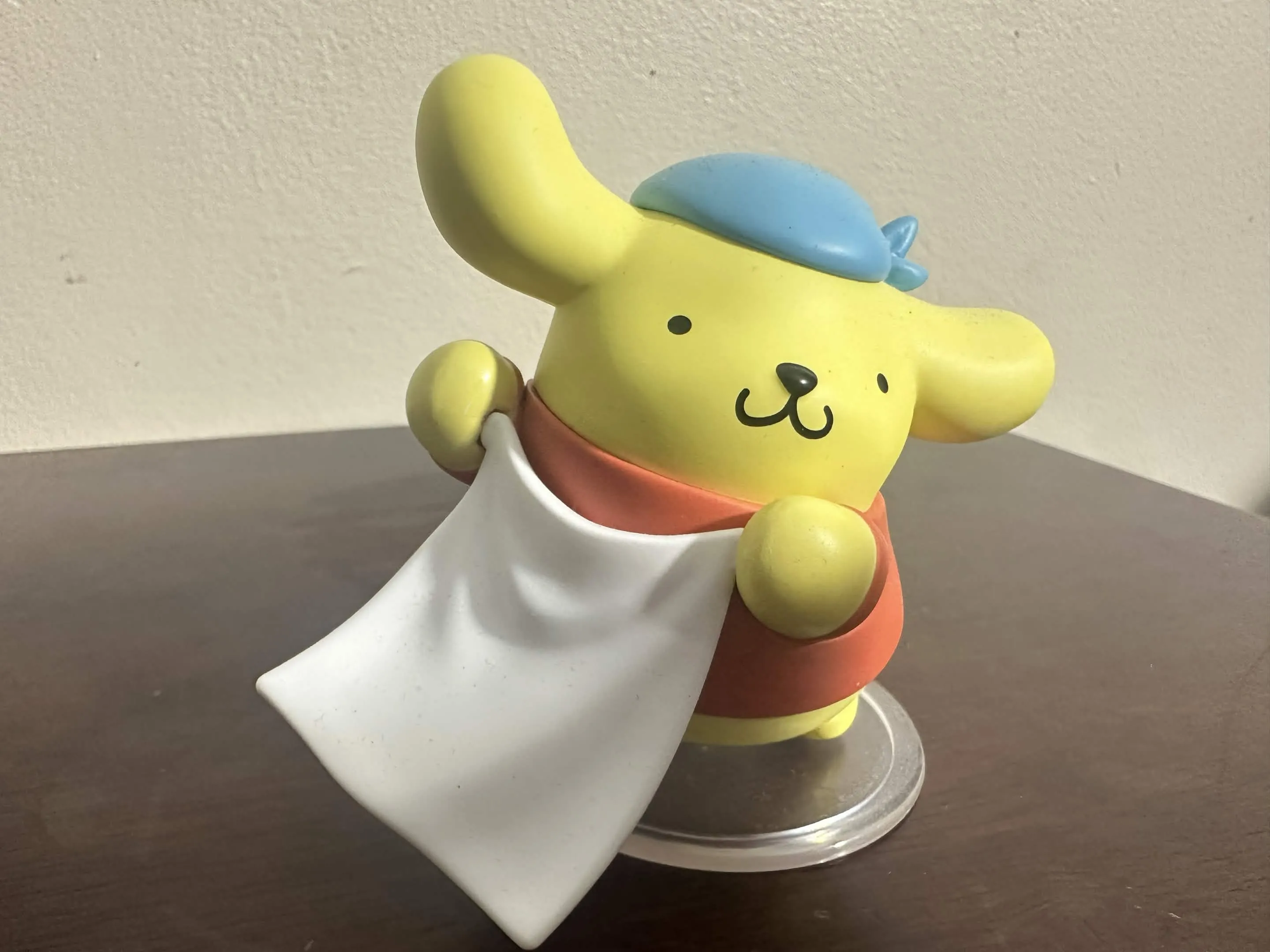
I began to think and reconsider some objects after having a decent conversation with my Professor! I wanted to do the flowers the most but due to the ornate nature and more importantly the thinness of the object, I understand the difficulty it was brought. I also wanted to do “My Precious Figurine”, however due to the complexity of detail of the figure such as the folds of the clothes, the hair strands and texture of the pillows and frills it would be hard for me to make formation. Luckily apart from that the object I was told there is a balance and a flexibility going both ways is evident in the objects I chose.
As much as I have a disdain for AI, I wanted to experiment with a challenge. I haven’t been one to touch AI in a physical or like media creation sense since the initial showcasing of them. You know, back when AI was making horrid creation of art with everything submerging into everything and when they had a creepy unsettling abstract way of creation. So using Meshy, I wanted to make 3 iterations. One in which I would classify as a complex object.
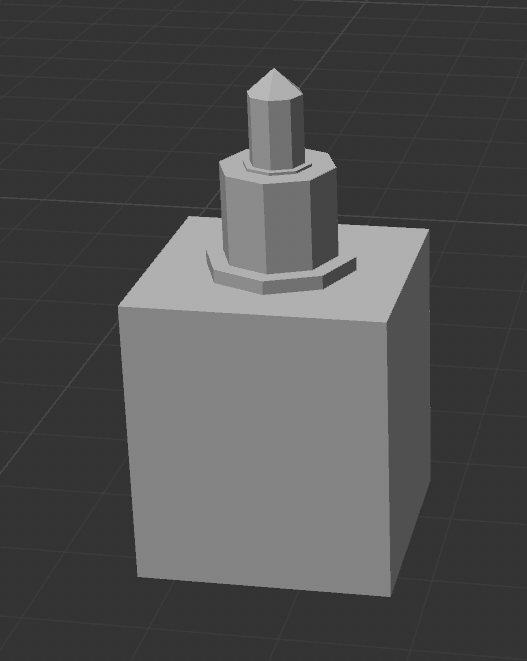
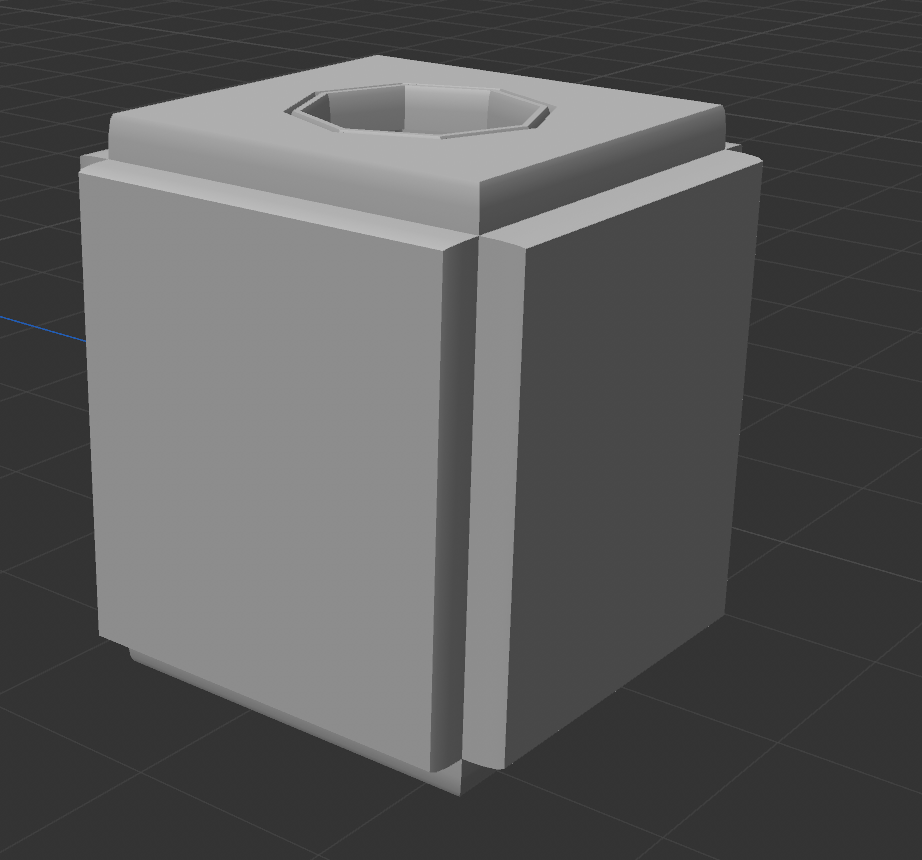
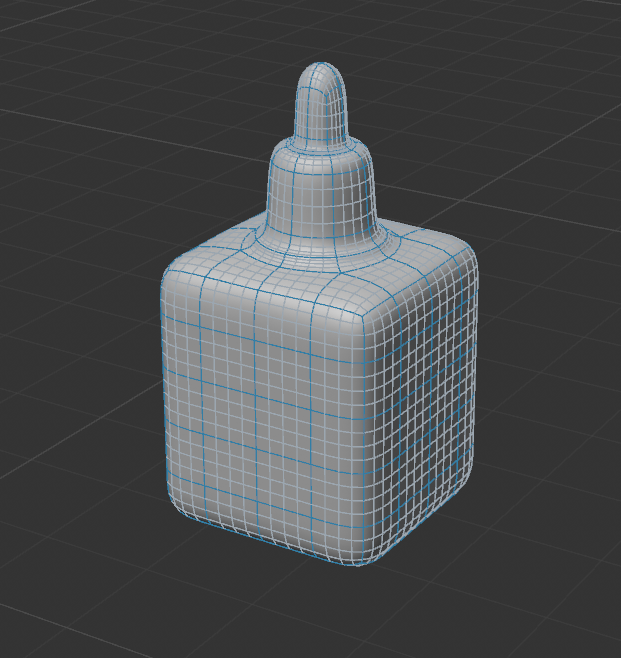
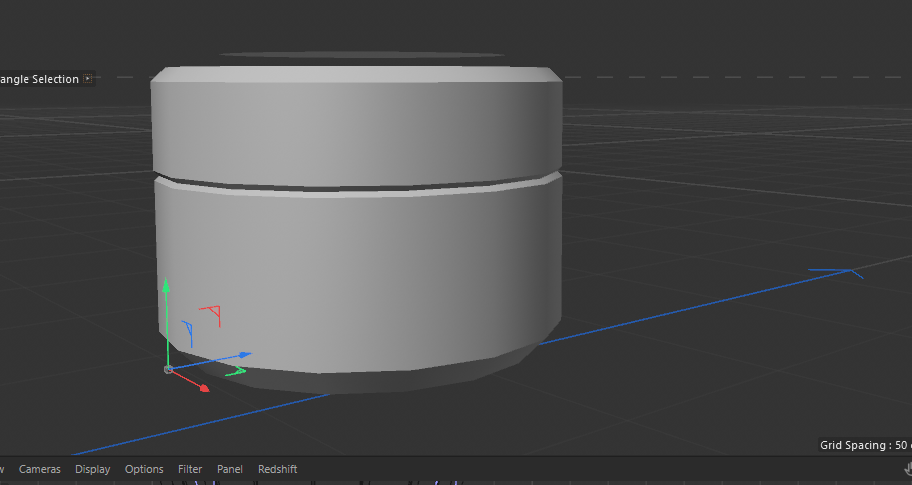
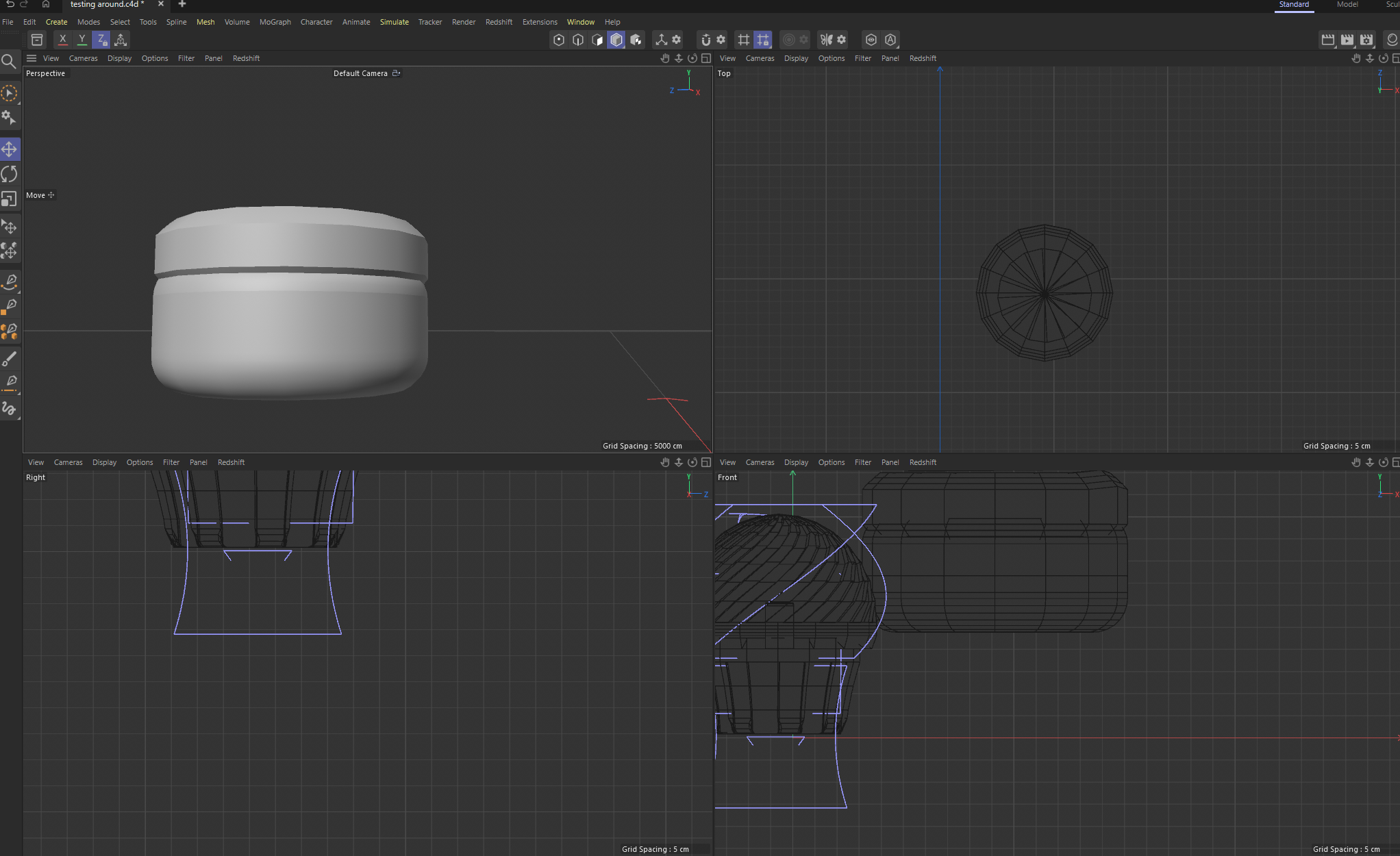
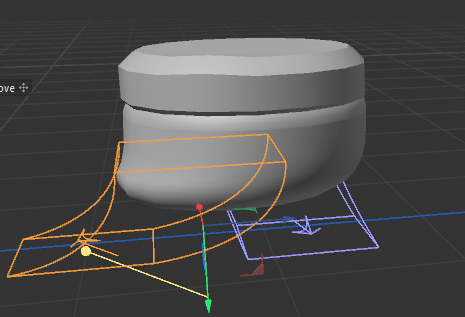
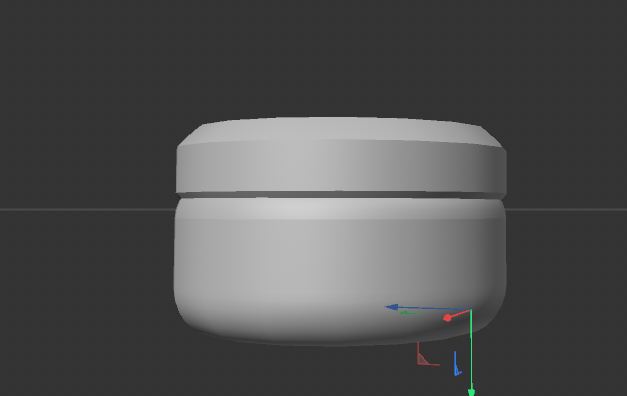
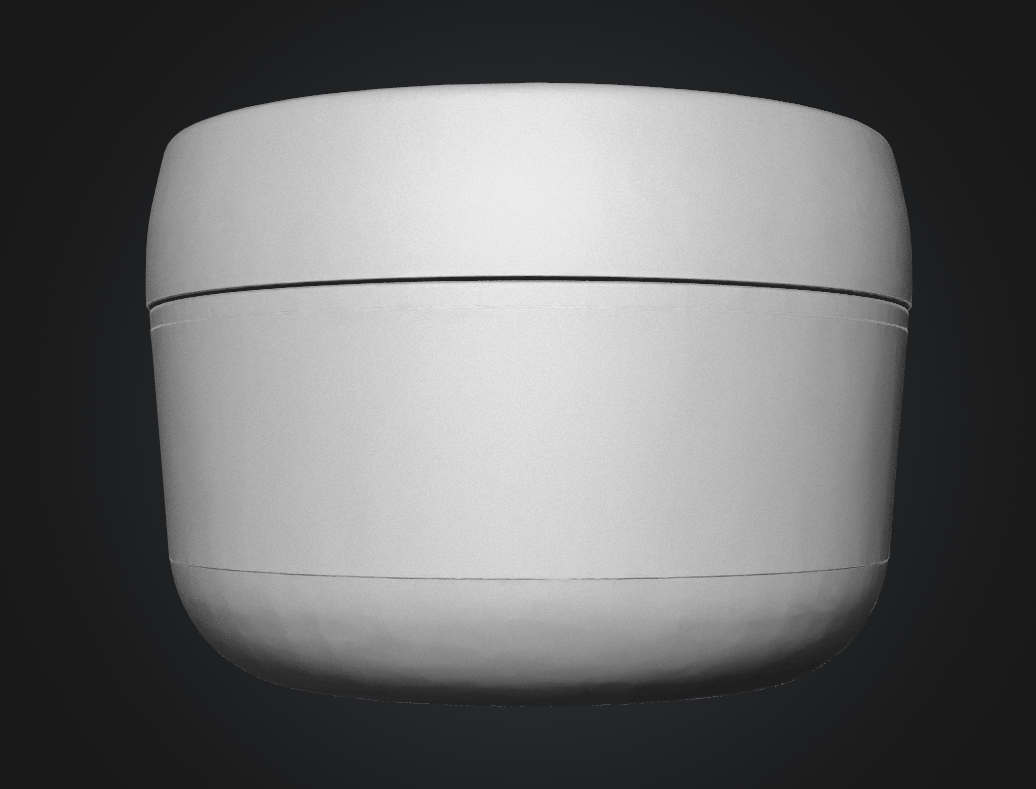
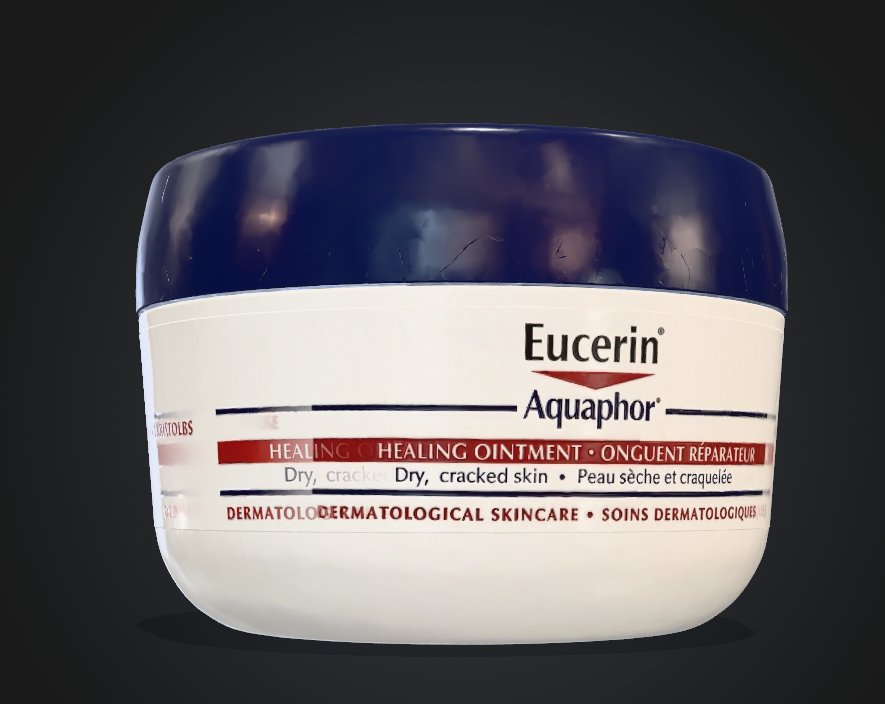
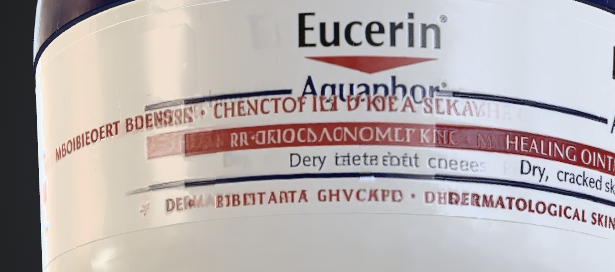
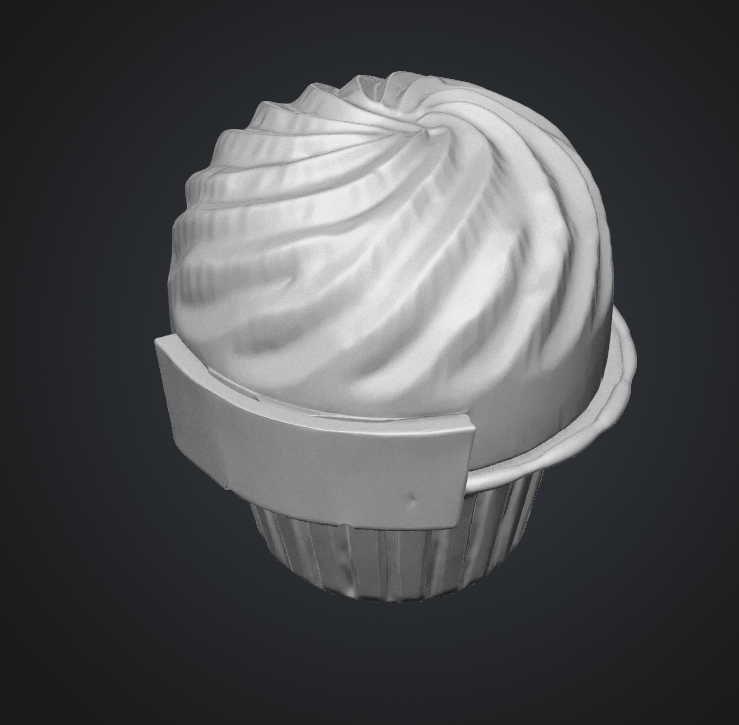
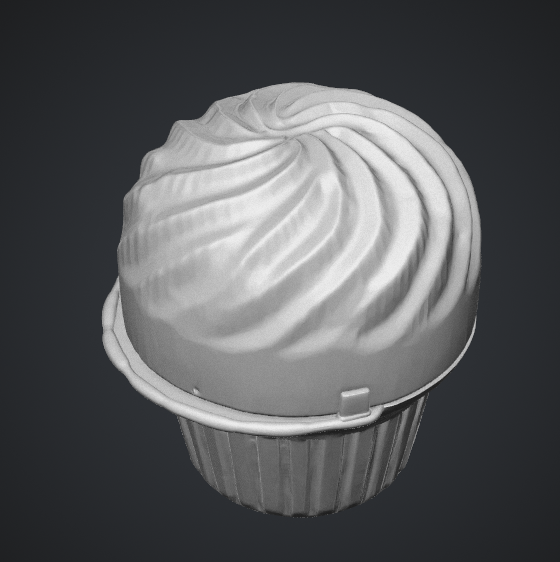
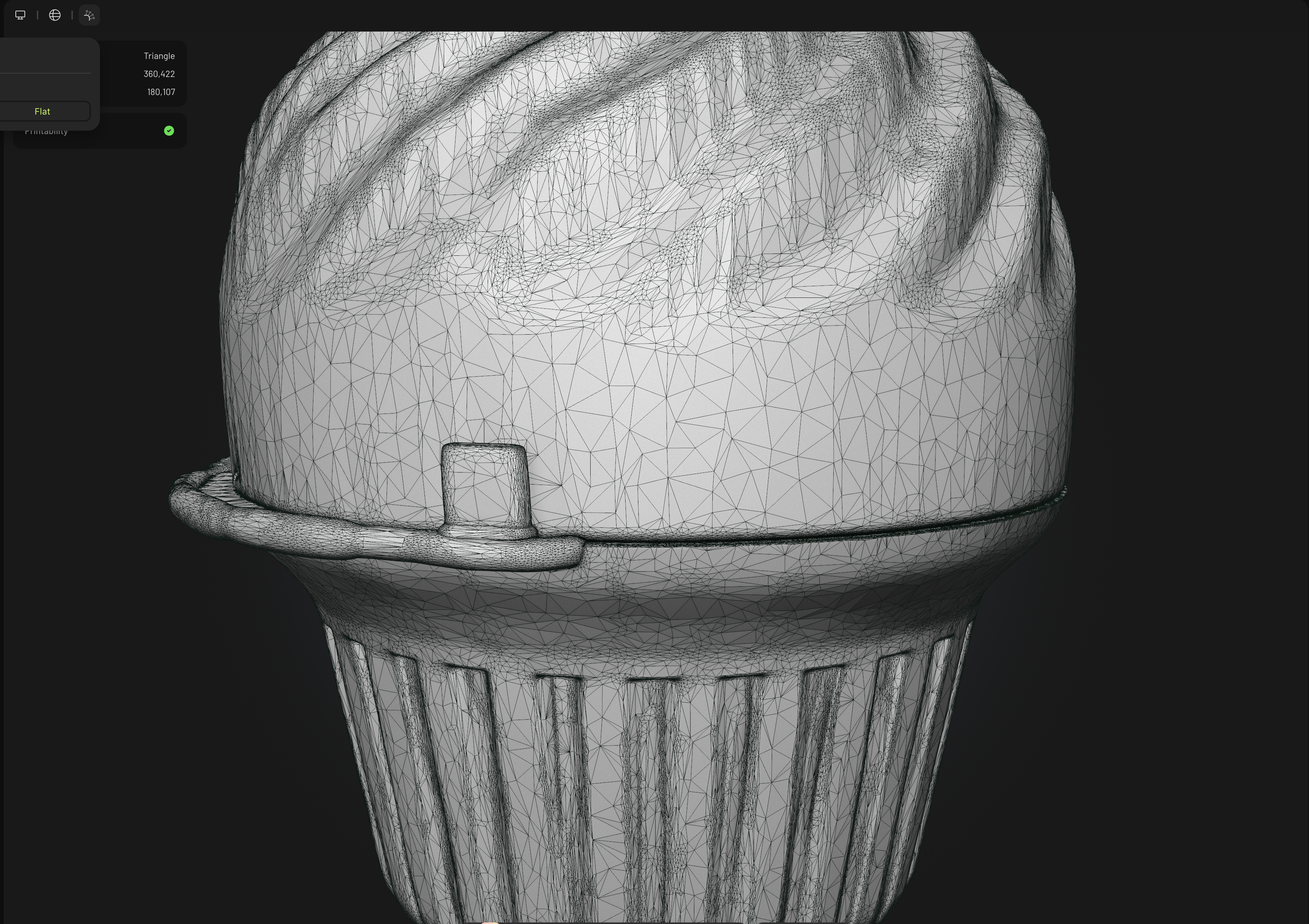
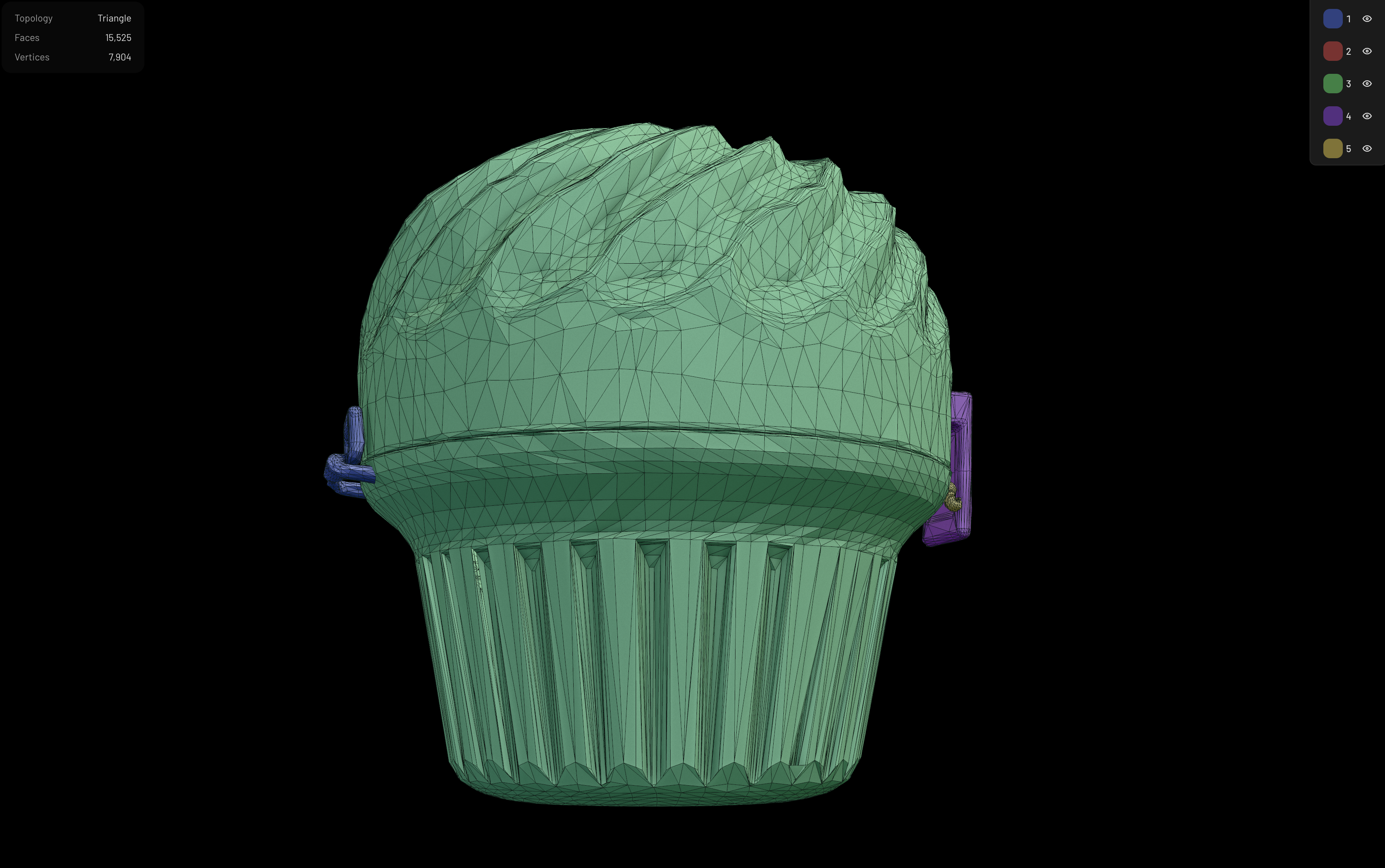
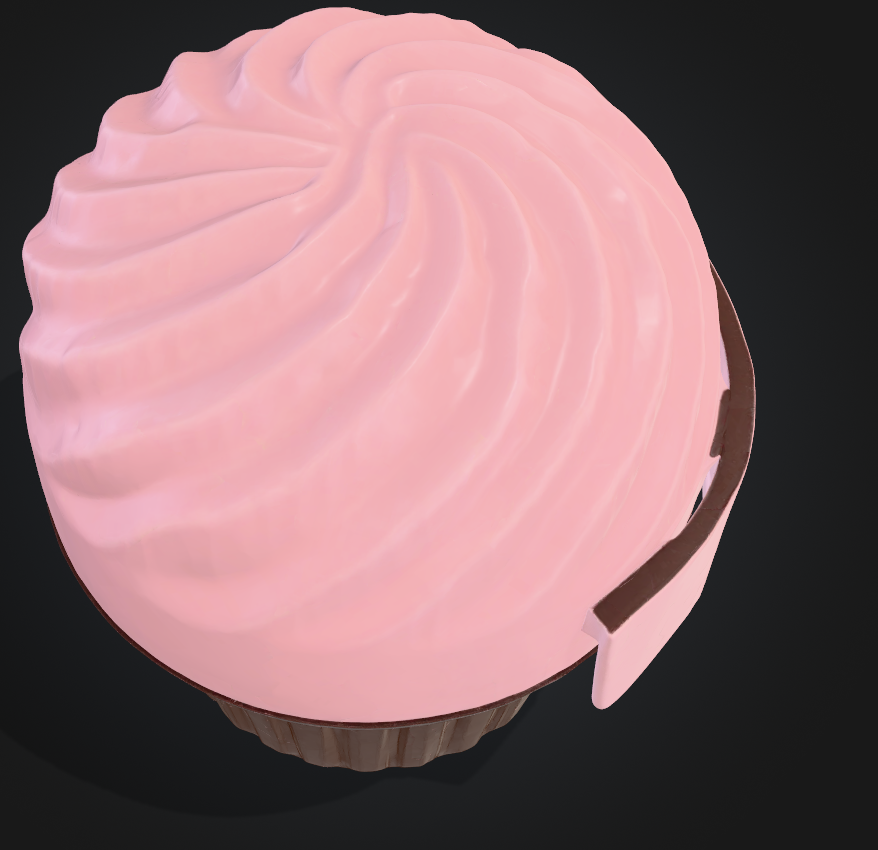
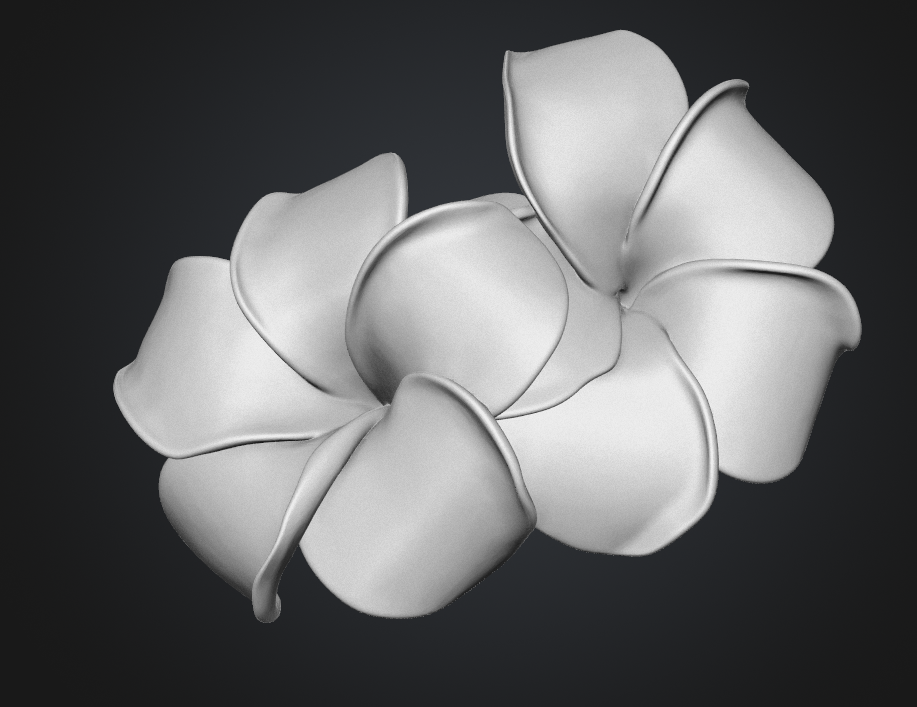
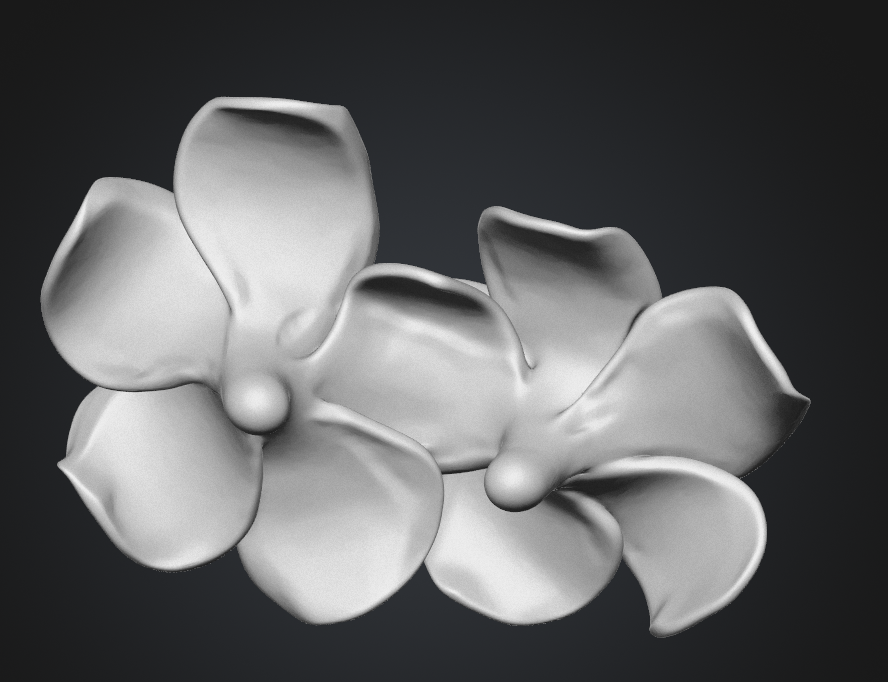
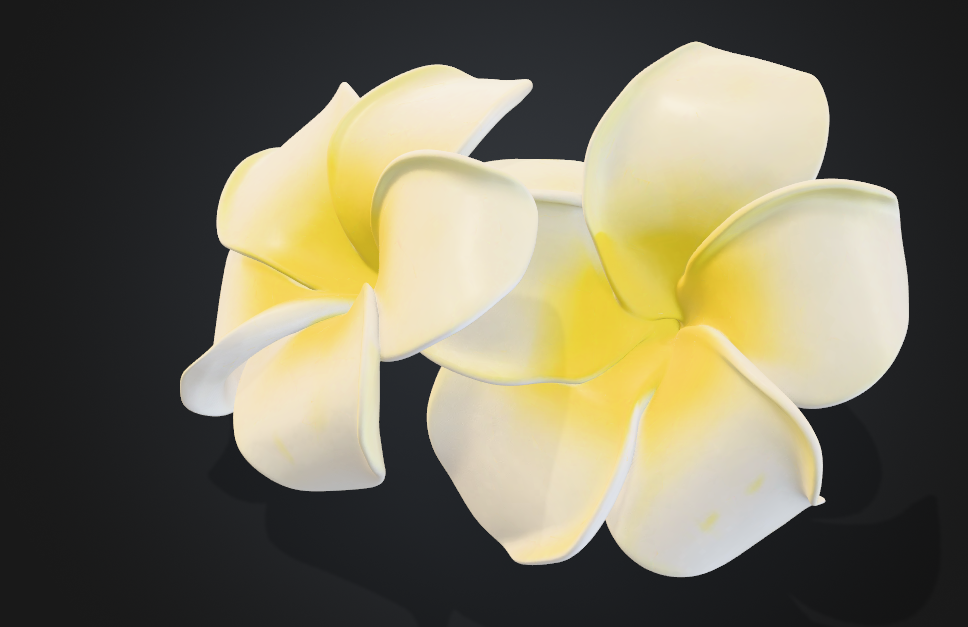
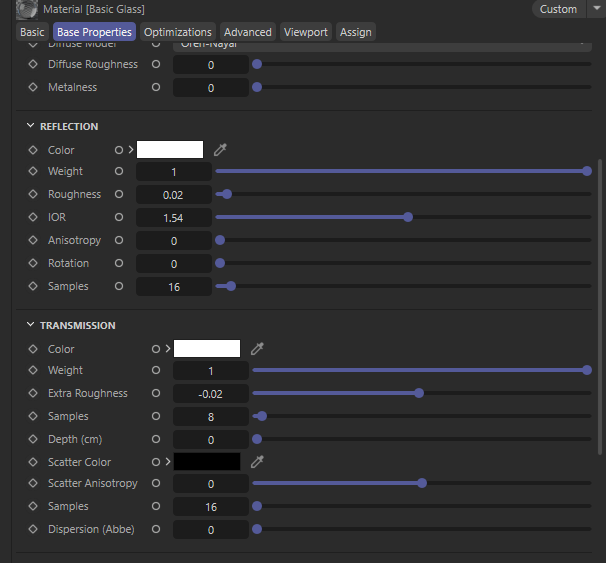
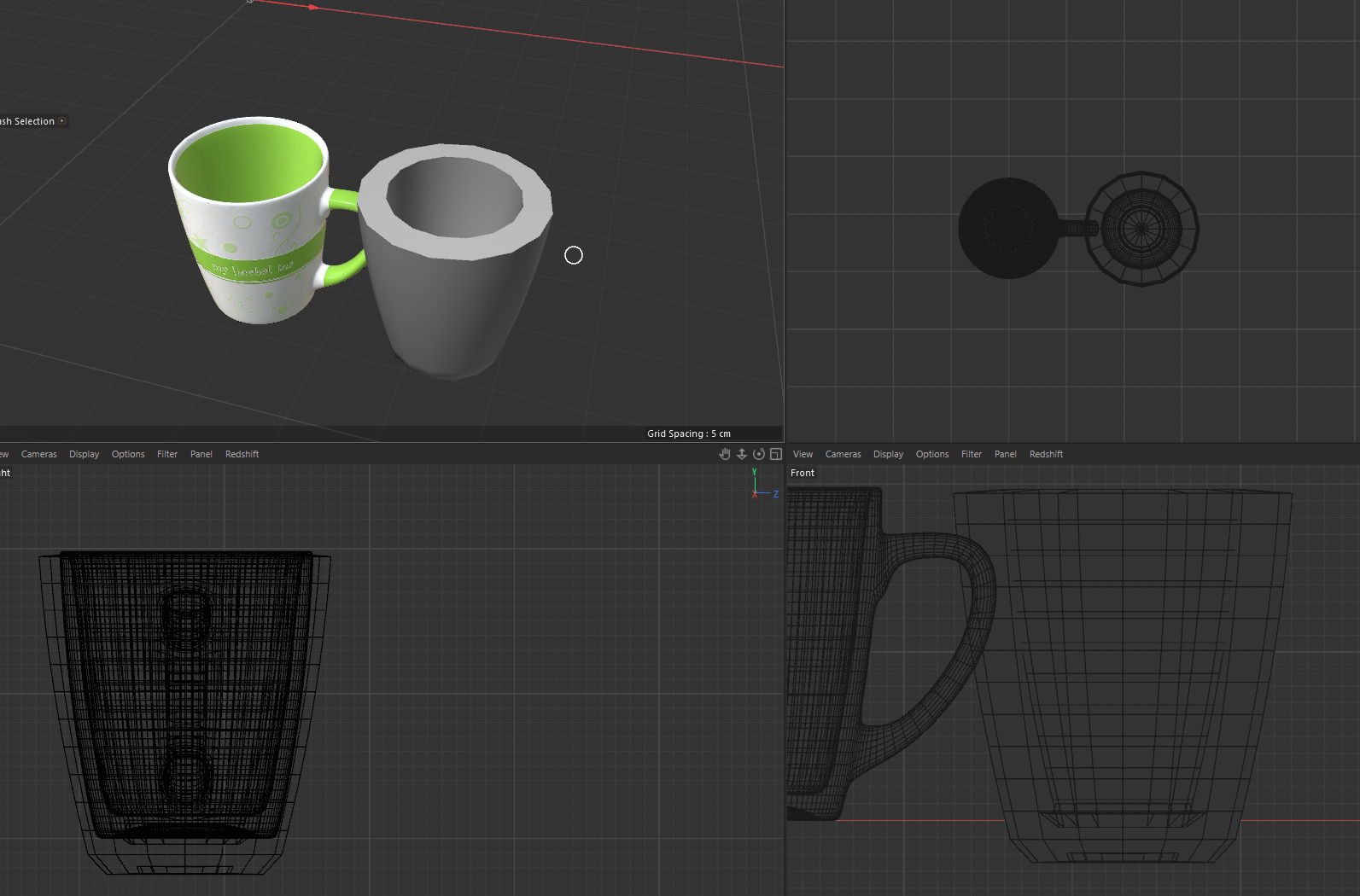
Meshy AI documentation.
As someone who, again has never touch an ai generative software of art or media, suffice to say I was relatively impressed with the translation of how they interpret images to a 3d modeling. I can see why big companies could gravitate towards using AI to get quick fixes done, whether that be in games with npcs, miniature fixes in animation itself. However I do notice that there are some inconsistencies. Where does the inconsistencies arrive? Well the simple answer is purely due to the multiple features being hidden behind a paywall (subscription) and limitation on currency. Whenever I would go on to make an iteration of an object I would have to wait another day to play around with the functions. The consistency of the results also will never be refine due to being unable to upload multiple images at once because.. once again it is underneath a paywall.
Theexperience in a sense, was helpful, seeing a modeled form though not best of quality does help with analyzing on how the forms are made. It helps as reference! I would also say that the interface is simplistic and the breakdown is helpful. For example the texture category it mentions what was used and hypothesized for said texture shown to the right.
Material Workshop 1
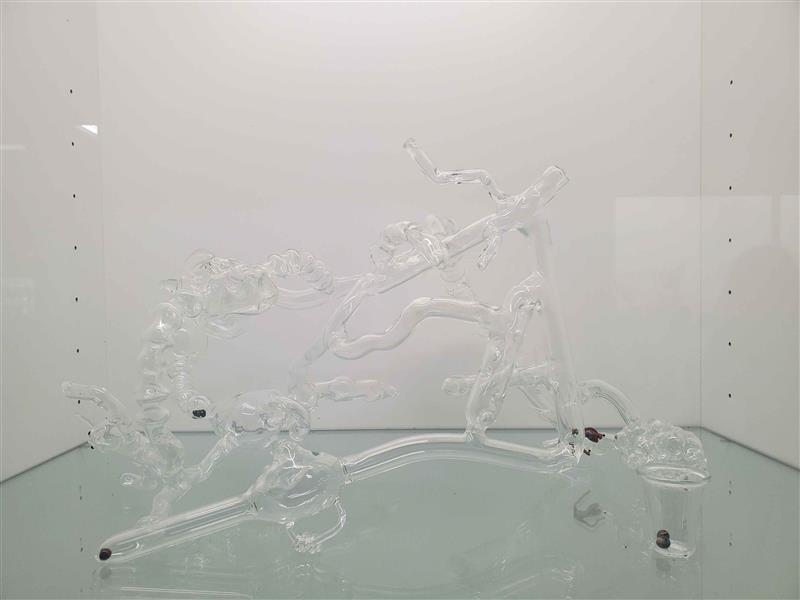
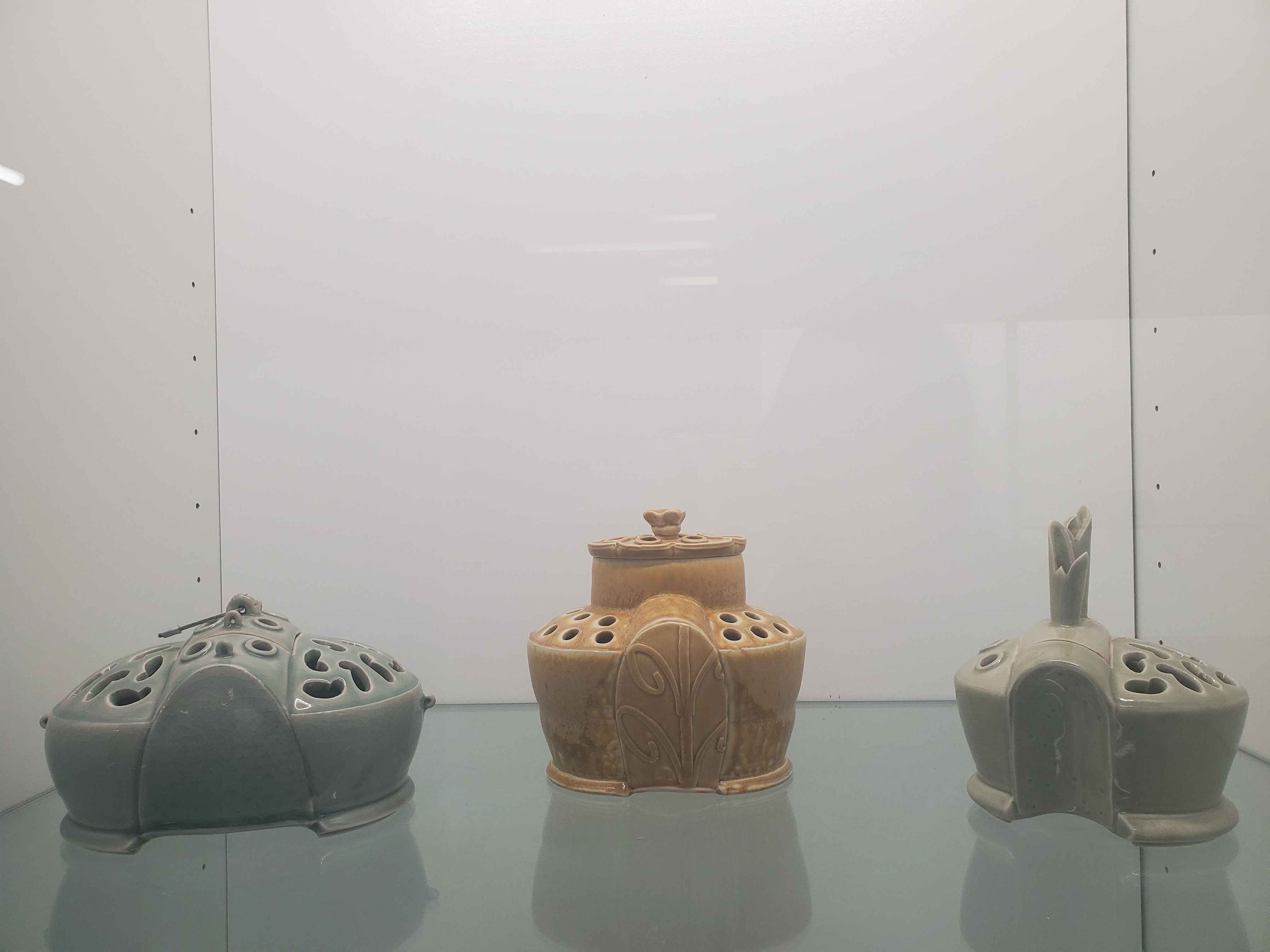
Material Workshop 2
Project 1
Project 1 Models
Published 3D Model 1
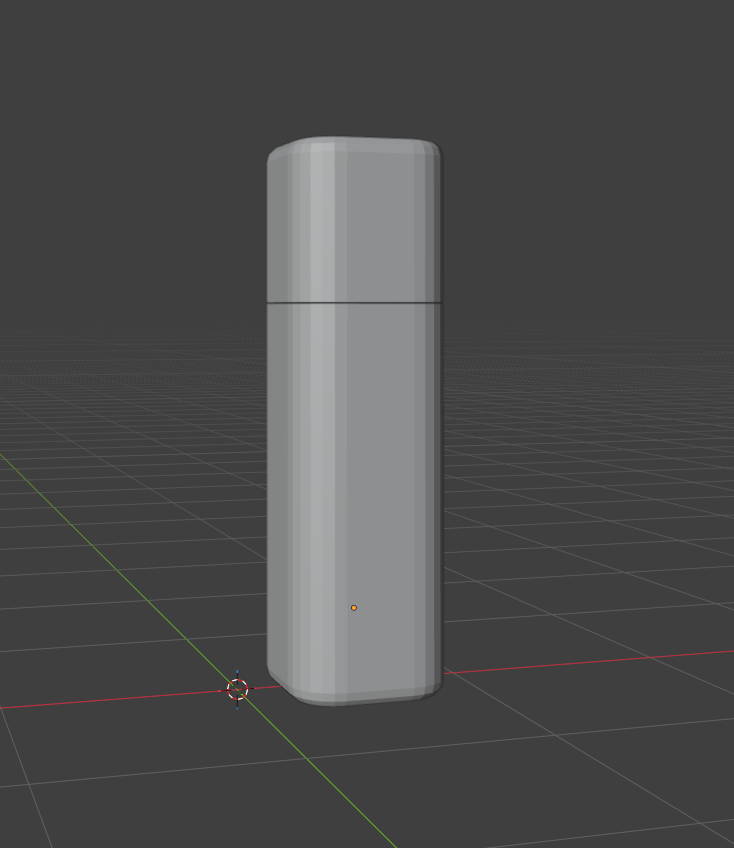
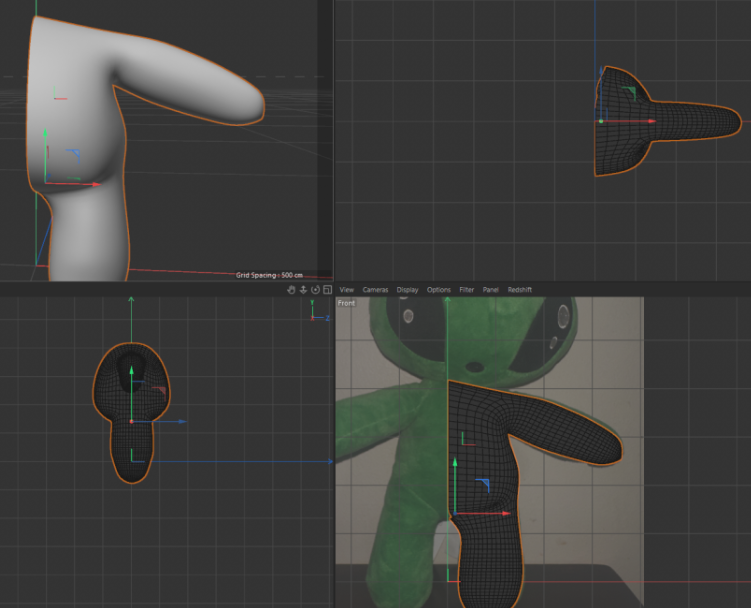
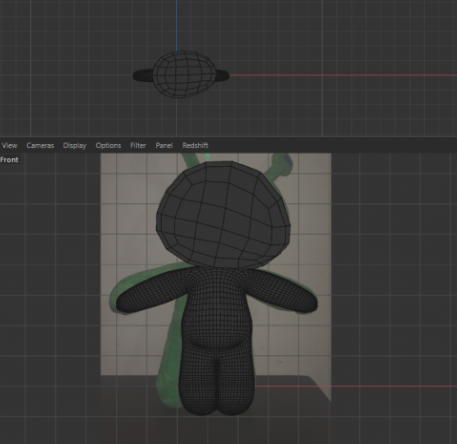
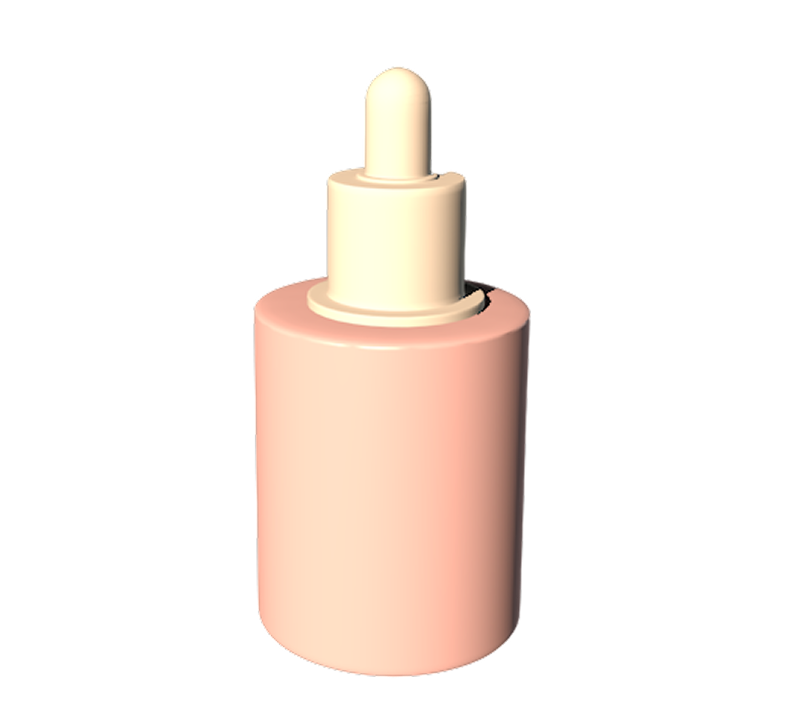
Time is a valuable resource, and as much as I would like to say I spentt time for it, my efforts were not as much as I would have liked. However, taking from this experience will help me in the future to be more efficient. I spent my time focused too intently on form and the physical (Due to my want to 3d print) that when it back fired I did not have enough time to focus on the materials. My downfall also came to the realization that I was working in Redshift as oppose to physical and/or standard, which made my experience a bit distasteful.
Published 3D Model 2
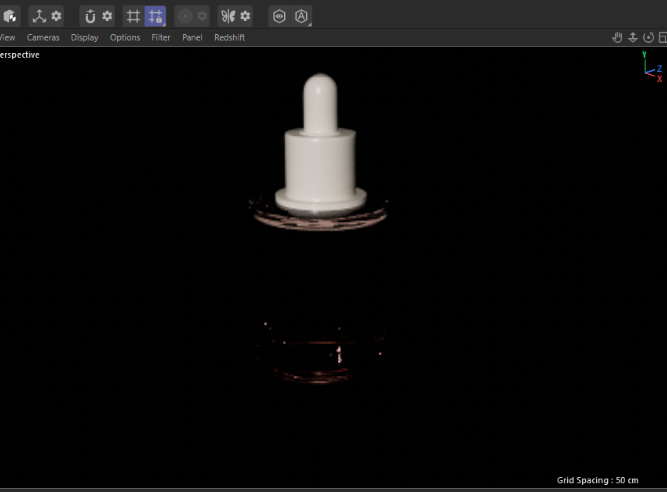
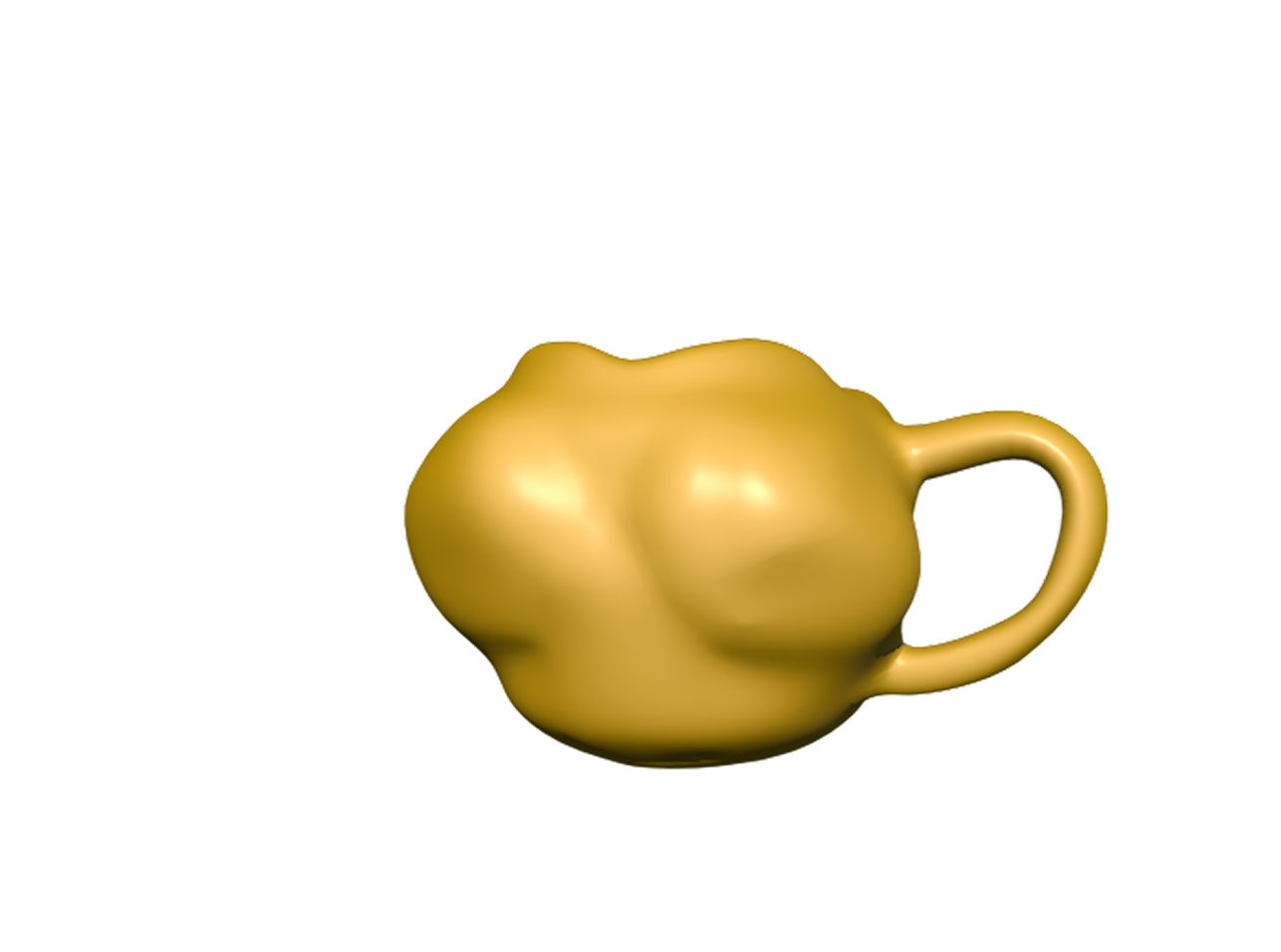
The original piece had a texture with the usage of noise as I was busy clicking away from the different functions of the tool. Howerever it isn't as reflectant in the model viewer as I would like it to be.
Published 3D Model 3
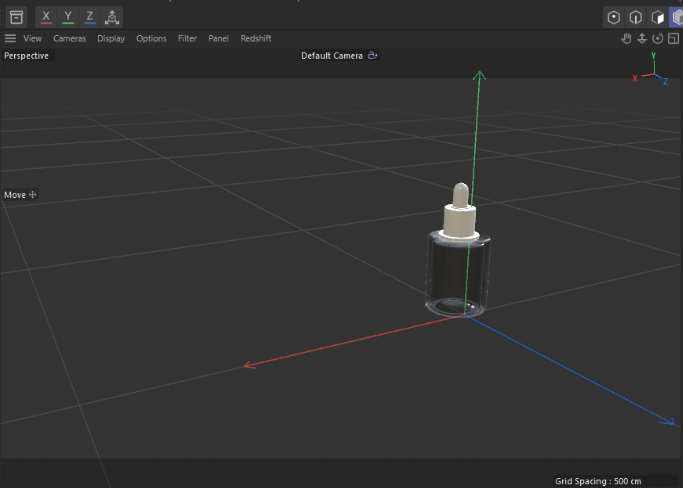
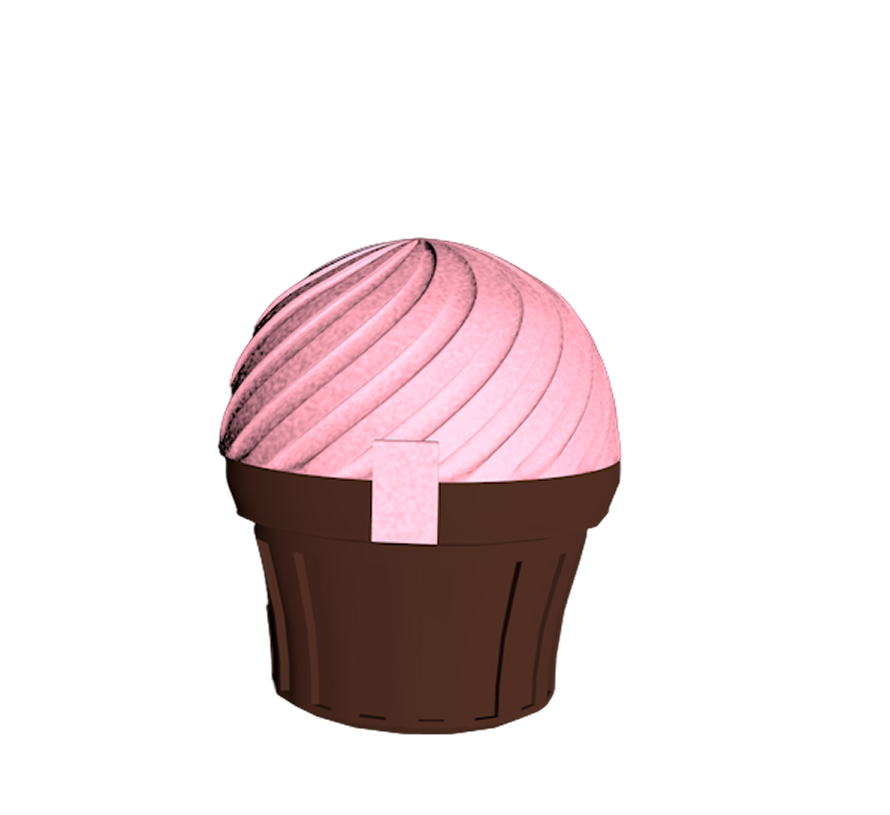
I see what was told about attempting to make a model that has a glass material, I learnt my leason for sure and decided to default into making a model that is more solidified even though it differs from the original.
Powered by w3.css